Sending Fleet Commands
Updated:
Commands on the Fleet page can be sent only to ACTIVE assets that have a tracker paired to them.
- If you hit your monthly SMS command limit, the system will show: "Command limit exceeded. You have reached the maximum number of SMS allowed for this month. Please contact support for assistance."
- You can send a fleet command to a tracker (via an active asset) if:
- The asset has a tracker paired
- The asset belongs to an asset group that has at least one tracker command fully configured by the administrator
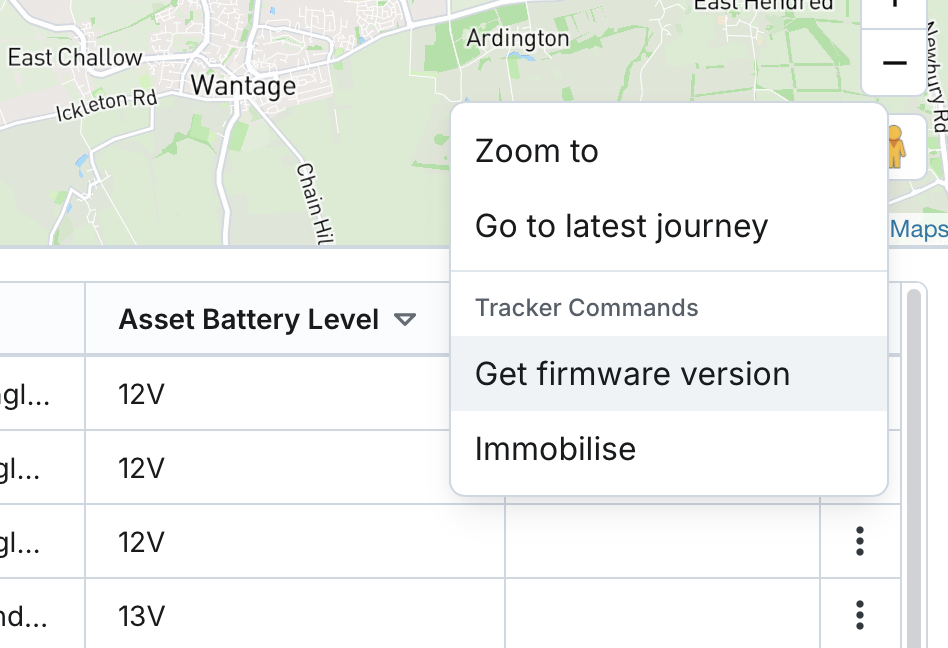
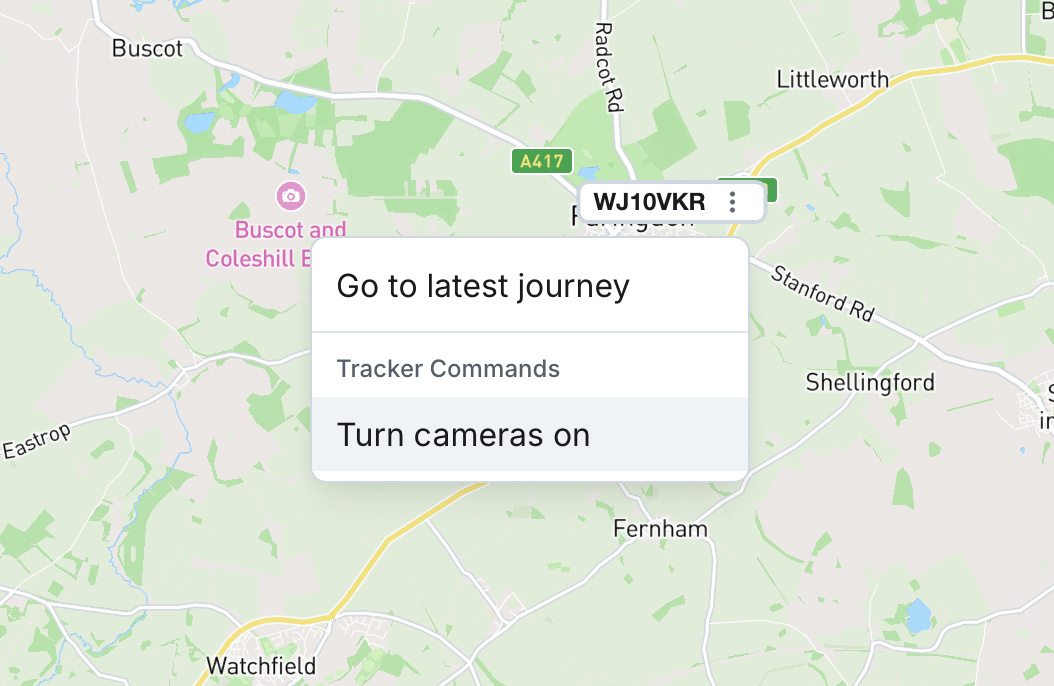
- You can access the command functionality by clicking the asset actions menu either on the map or within the table/list
- If the asset does not have a paired tracker, or it lacks a configured asset group with tracker commands, the command option will not be shown.
- Before sending a command, the system will ask for confirmation.