
Requesting Live Video
Updated:
You can request live video in either of the following ways from the Assets tab on the Fleet page:
- From the map (available only if a tracker is paired with the asset): Click the asset’s actions menu on the map and select the option to request live video.
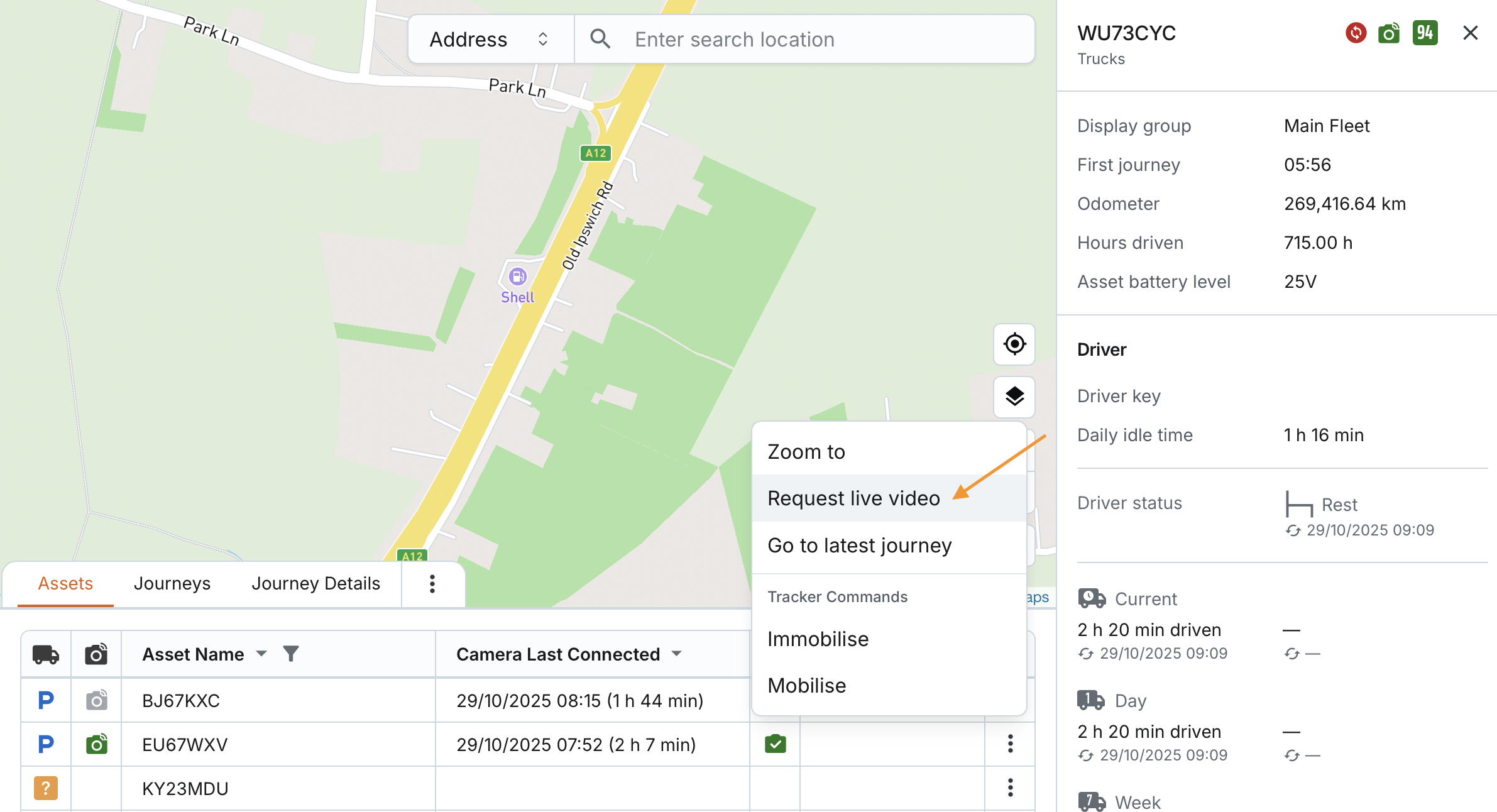
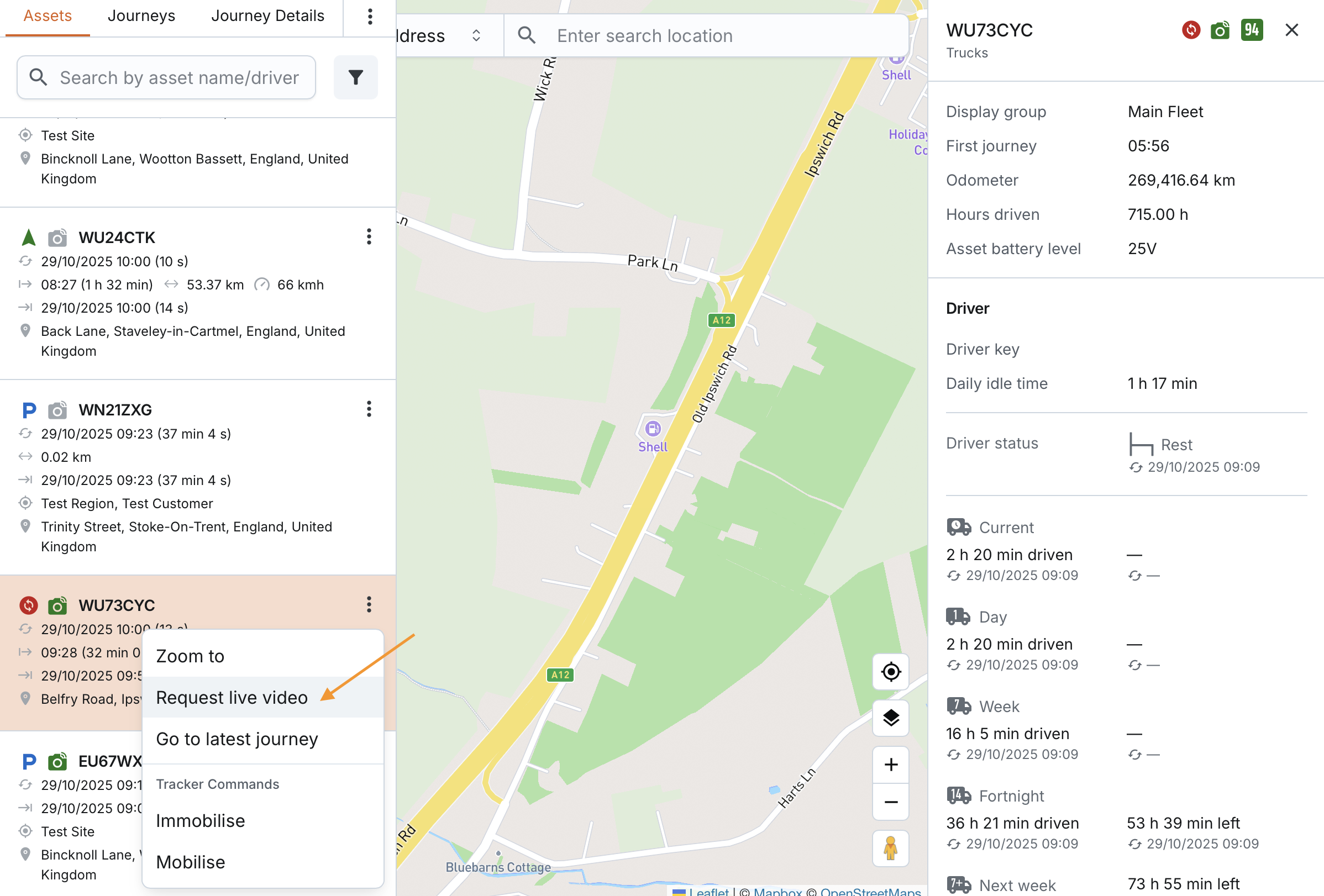
- From the asset list or table: Open the actions menu next to the asset and select Request Live Video.
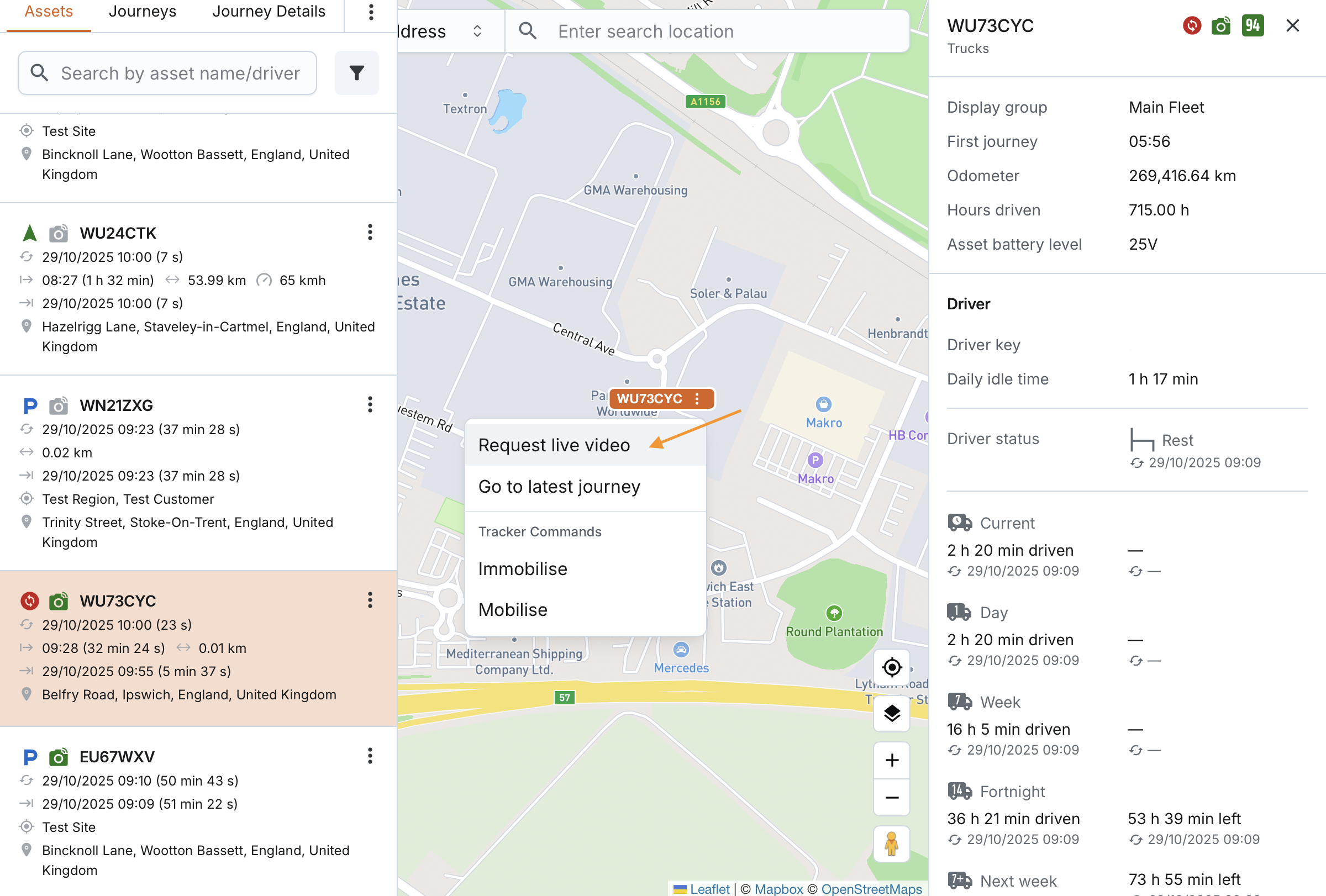
Once requested, the system will attempt to establish a live video stream from the connected camera.
To read more about live video features and controls, open the [livevideo] page.
