How to Access, Install, and Launch the Application on Your Mobile Device
Updated:
Follow these steps to access, install, and launch the application on your mobile device:
Access the Web Application
Open the web application on your mobile device using web browser.
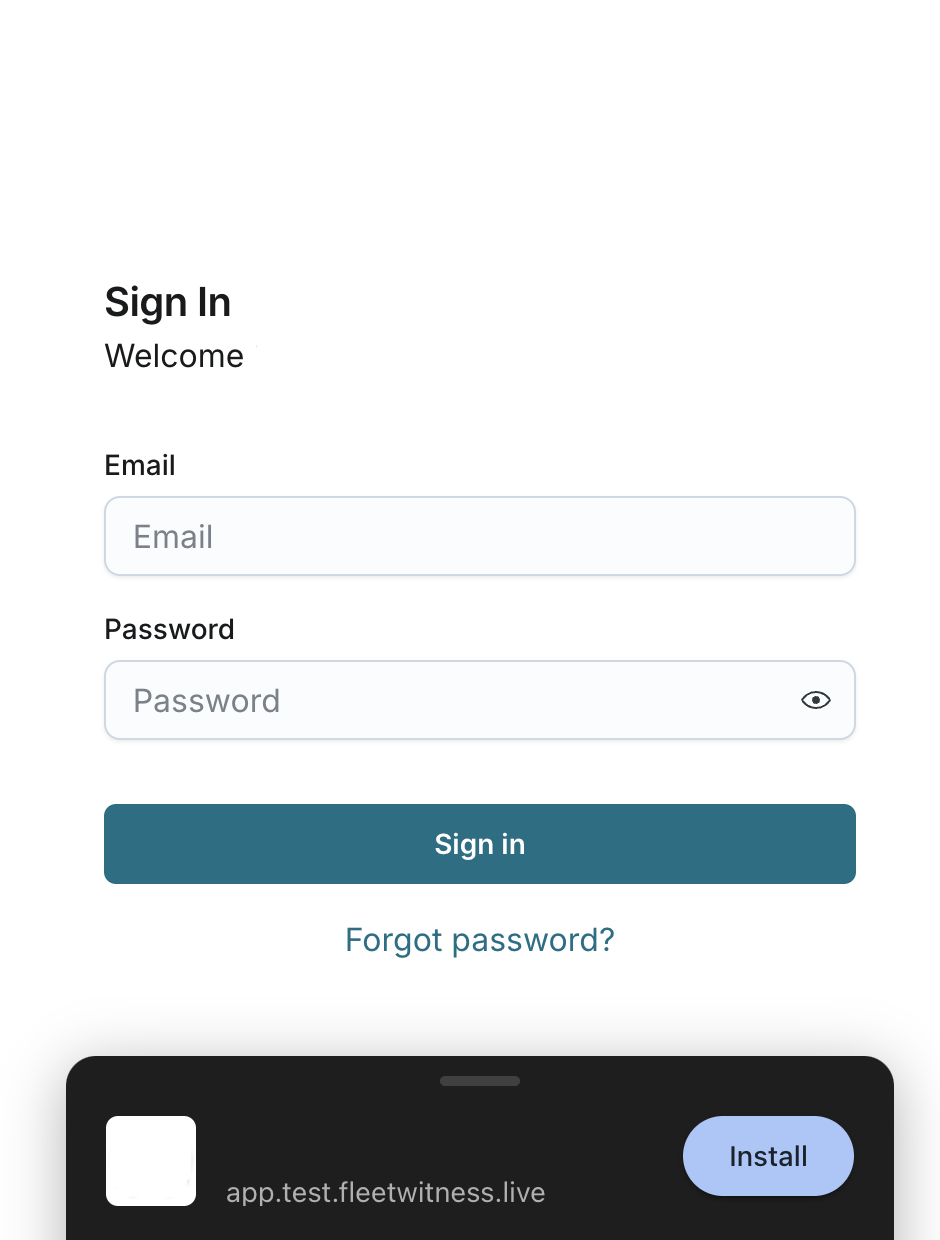
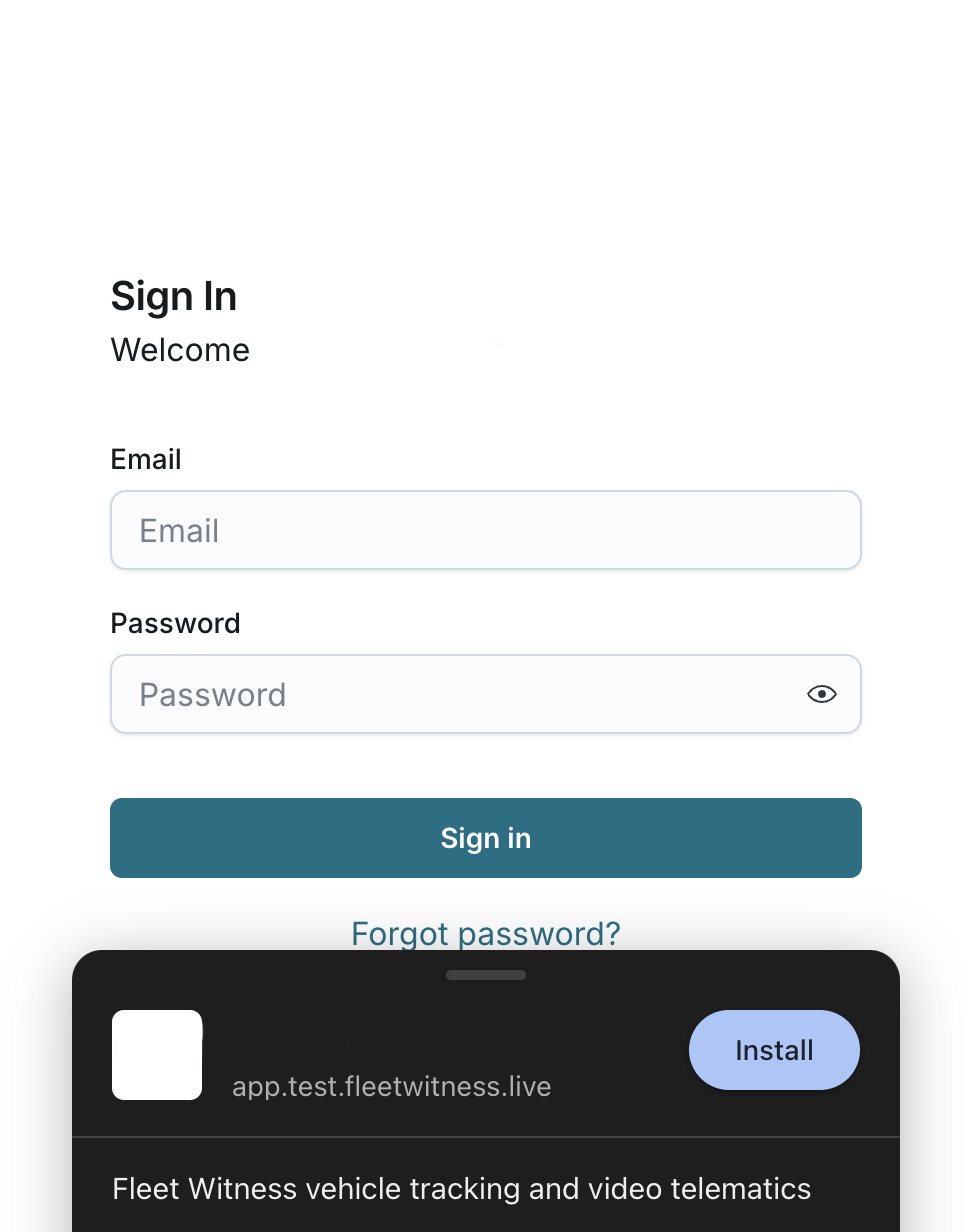
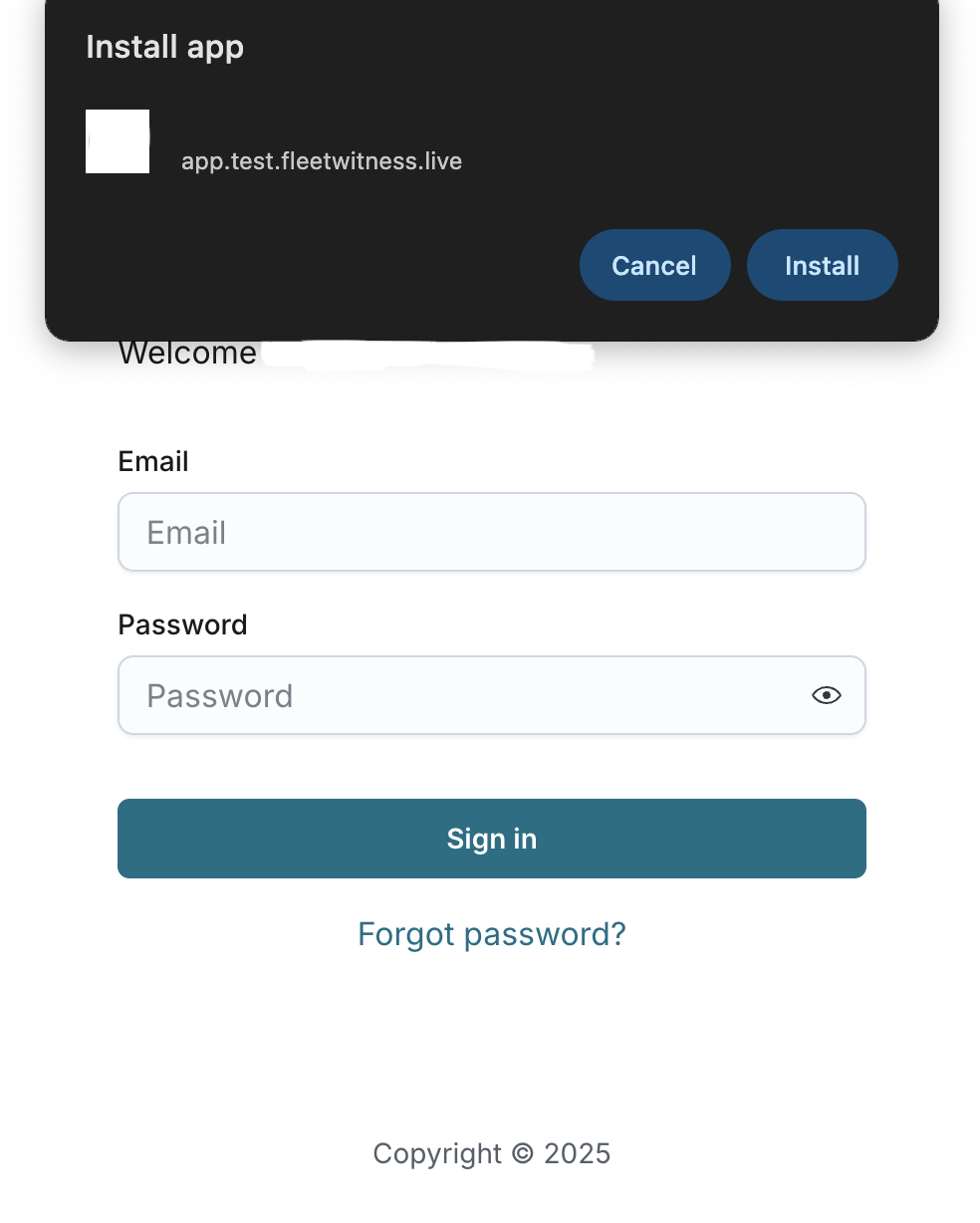
Install the App
When prompted, follow the on-screen instructions to install the app on your device.
Launch the App
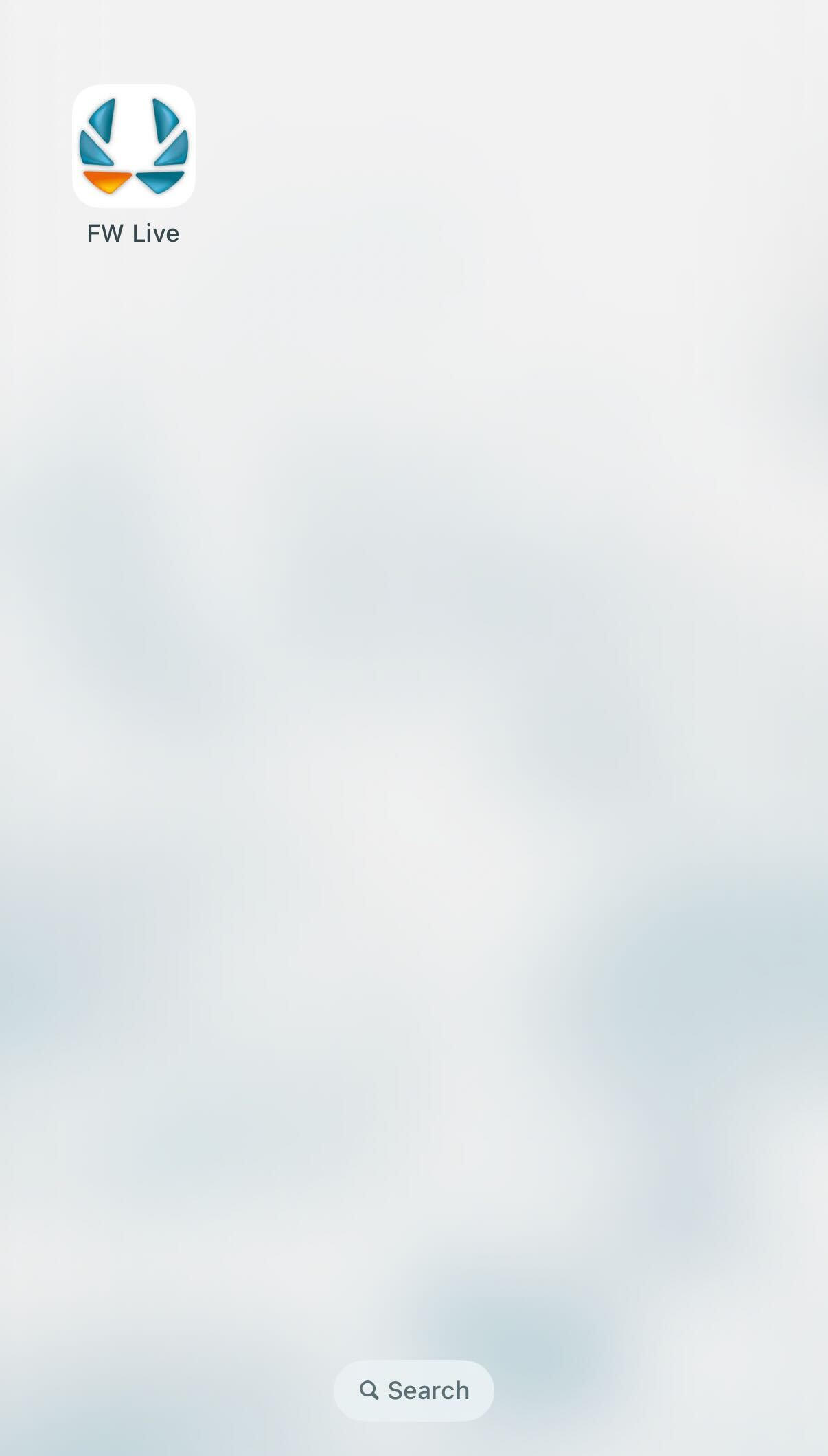
Once the installation is complete, you will see the app's icon on your mobile device’s home screen. Tap the icon to open the app and access your account.