
Requesting Live Video
Updated:
You can send a live video request to a camera from the Fleet page, using the Assets tab.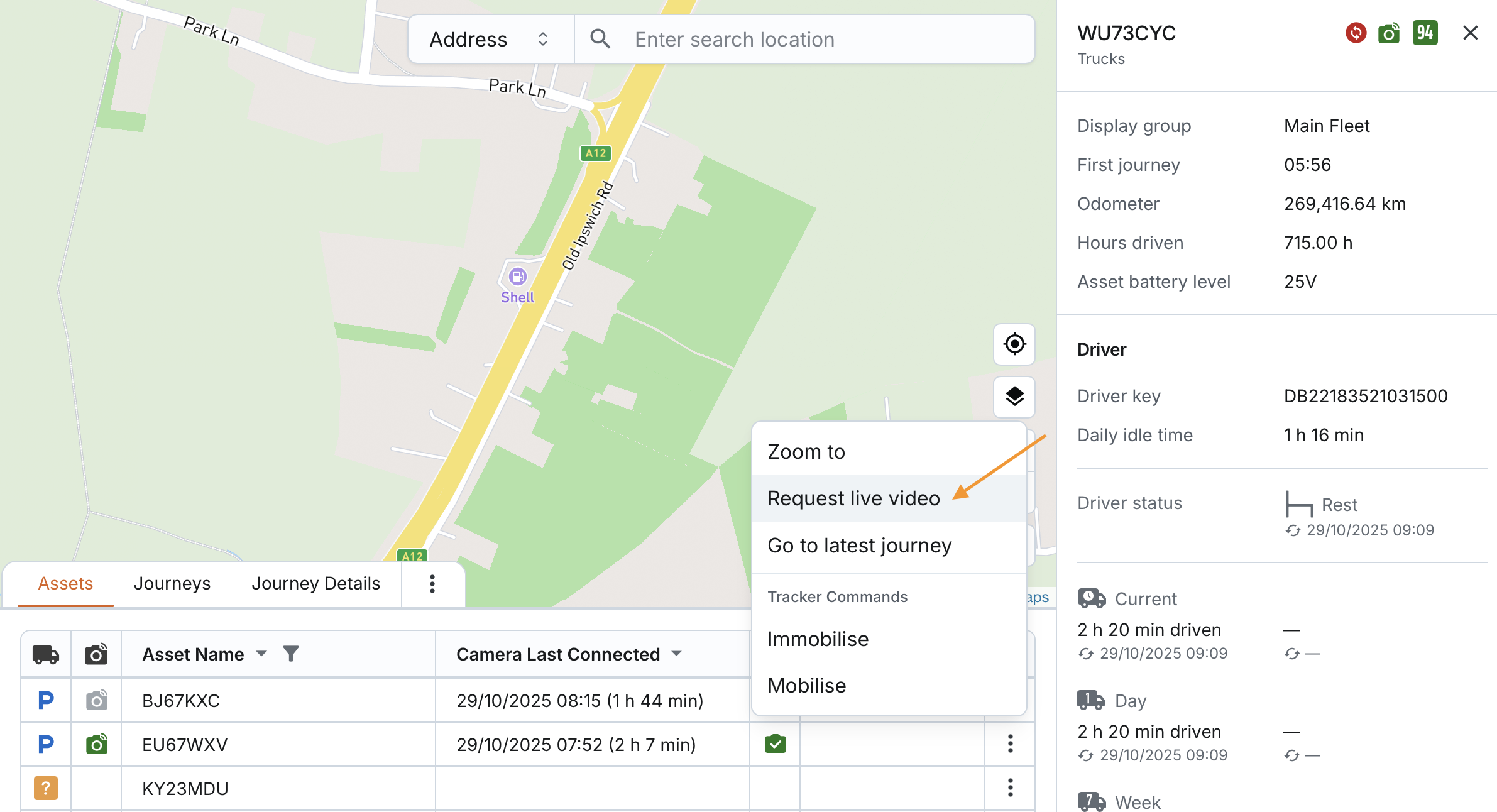
You can do this in either of the following ways:
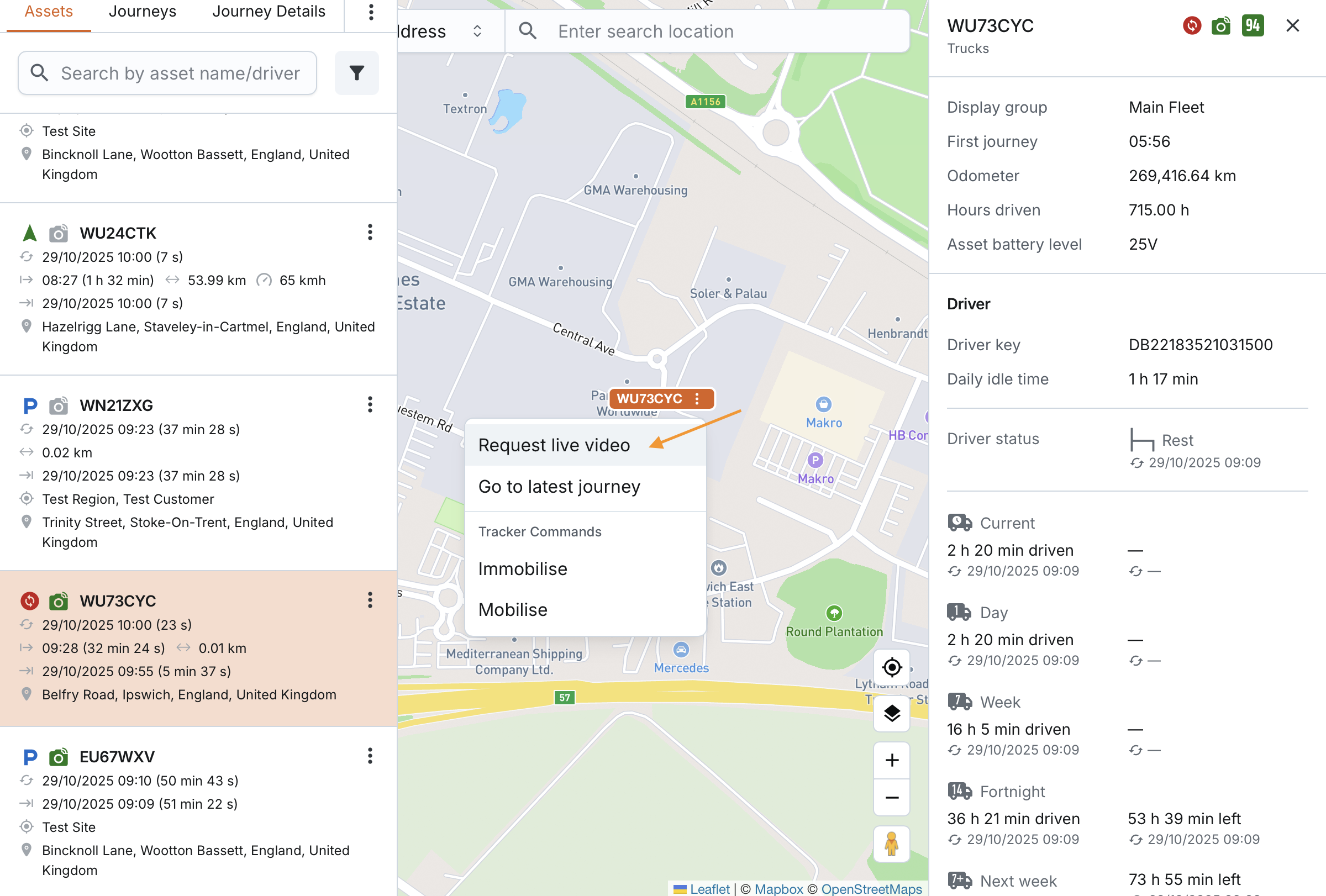
- From the map (available only if a tracker is paired with the asset): Click the asset’s actions menu on the map and select Request Live Video.
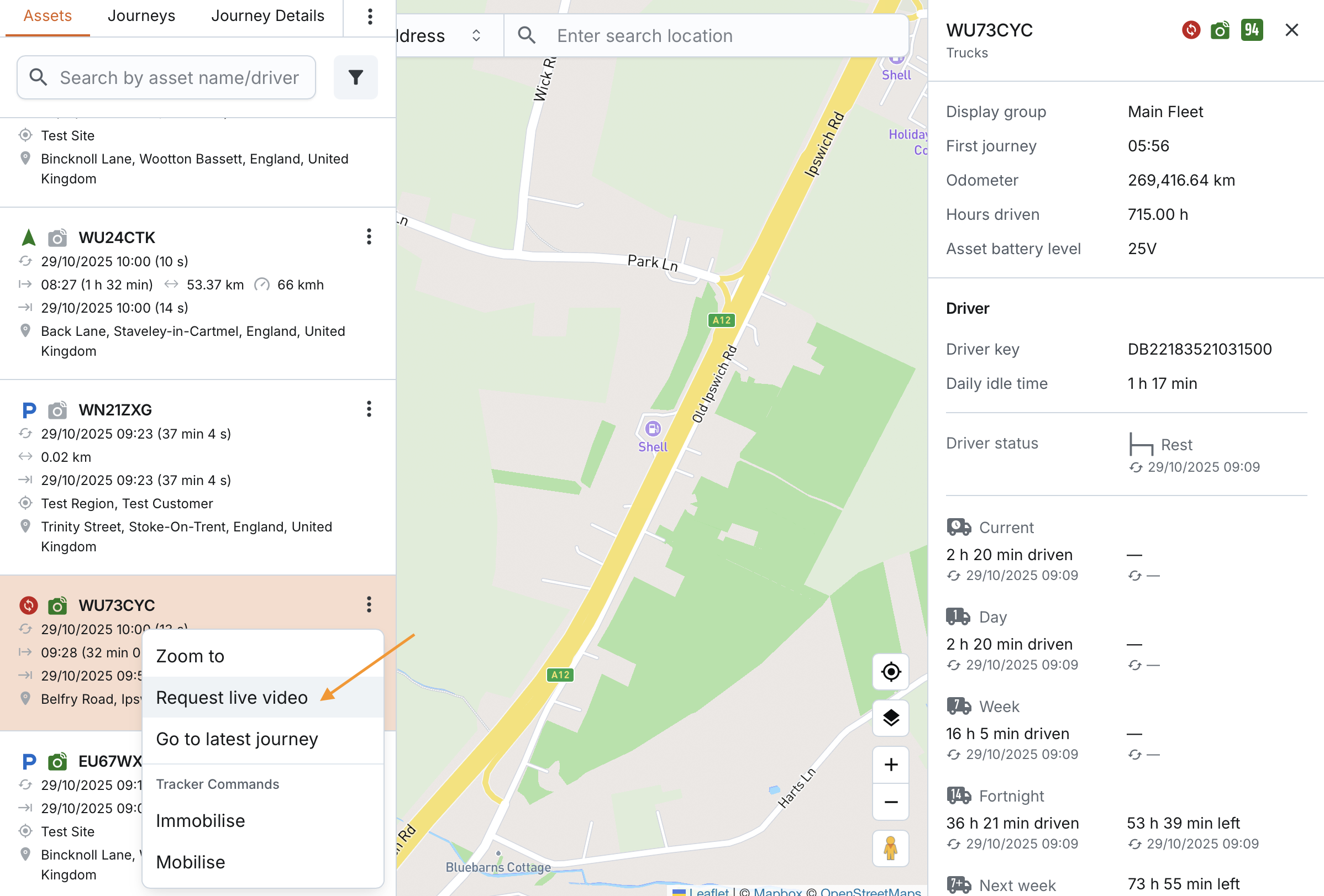
- From the asset list or table: Open the actions menu next to the asset and select Request Live Video.
When you request live video, the system will automatically select the corresponding asset in the table, list, or map.
Important rules for live video requests:
- If an active asset does not have a paired camera, you will not see the Request Live Video option.
- If an asset is deactivated and visible, you will not have the option to request live video, even if it has a paired camera.
- If an active asset’s paired camera currently has a fault, error, or is offline, you can still attempt to request live video.
