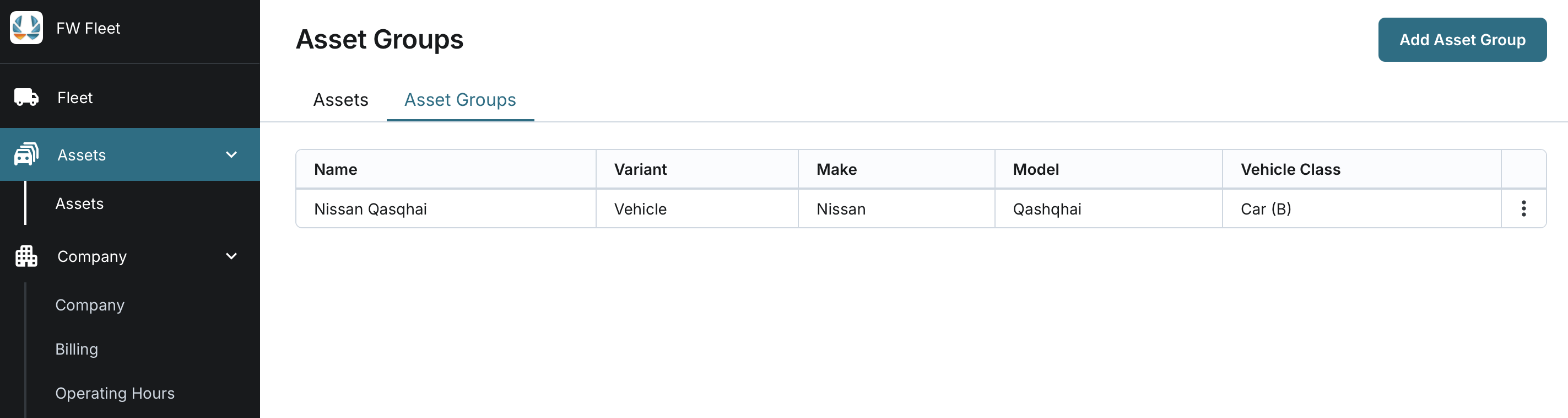
Viewing the List of Asset Groups
Updated:
Access to the Asset Groups section is controlled by the SeeAssetGroupsPage permission. This permission grants users the ability to view the list of asset groups and access individual asset group details.
You cannot add, edit, or delete asset groups. If you need to make changes to asset groups, please contact support for assistance.
You can view and access the list of asset groups to get a detailed overview of the assets organised within the application.
Access Asset Groups:
- Navigate to the Assets page.
- Click on the Asset Groups tab.
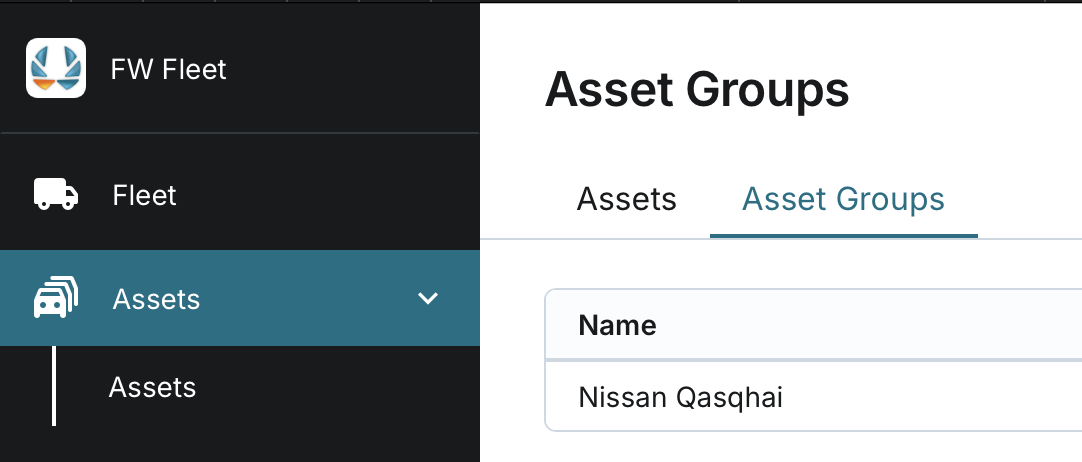
View the Asset Group List:
- The list of asset groups is displayed automatically, sorted alphabetically by Name.
- The Asset Groups list will display the following information for each group:
- Name: The name of the asset group.
- Variant: The variant classification of the asset.
- Make: The manufacturer or brand of the asset.
- Model: The model designation of the asset.
- Vehicle Class: The classification of the vehicle type.