Viewing the List of Invoices
Updated:
Viewing the List of Invoices
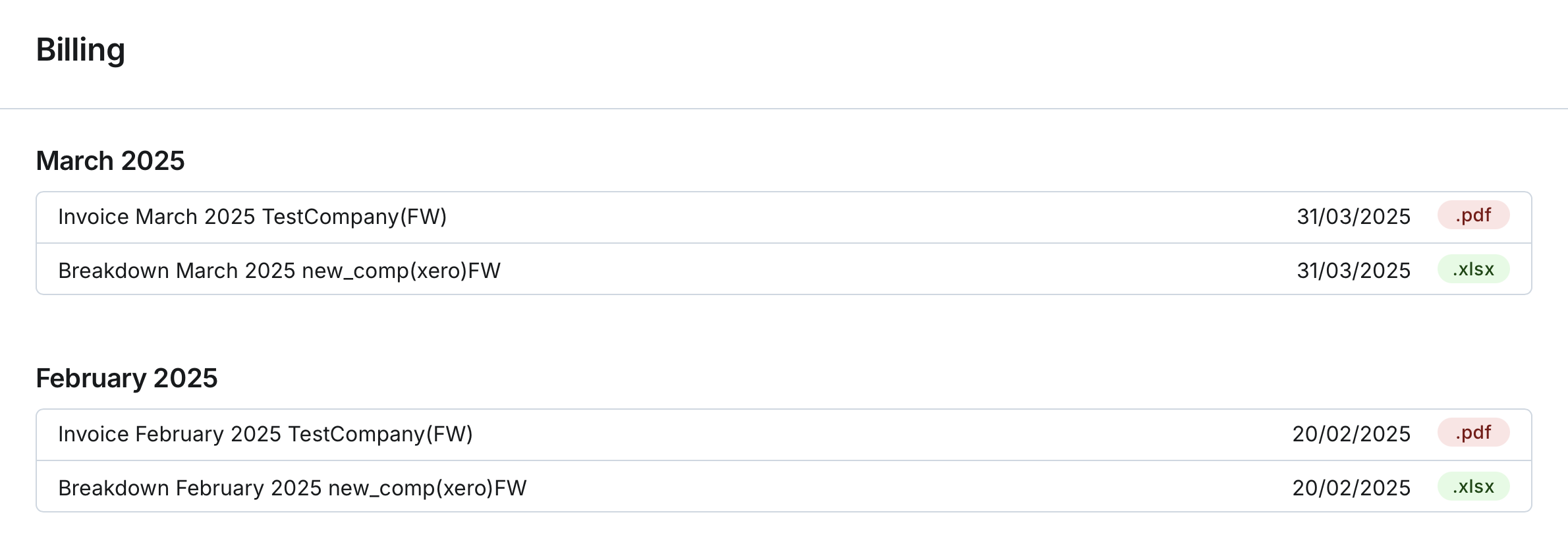
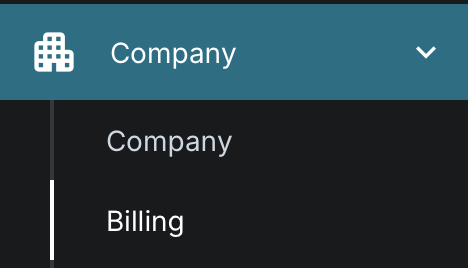
You can view invoices and fee breakdowns on the Billing page. The Billing page displays generated files grouped by the month in which they were created, starting with the most recent ones.
For each file, you can see the following details:
- File Name: The name of the invoice or fee breakdown file.
- Date Generated: The date when the file was generated.
- Format: The file format, either PDF for invoices or XLSX for fee breakdowns.
Downloading Files
You can download any file by clicking on it, and it will be saved to your device.
These files are based on your company’s usage. An invoice includes details for subscription services, while a fee breakdown provides details on usage per asset.
The billing process itself is managed by administrators. Typically, invoices are generated once a month, but this may vary. Once calculations are completed for your company, the invoices and breakdowns are generated and made available to you on the Billing page.