Deleting Operating Hours
Updated:
The Deleting Operating Hours page allows users to remove an existing set of operating hours from the system.
Access Operating Hours Deletion:
You can initiate deletion from two locations:
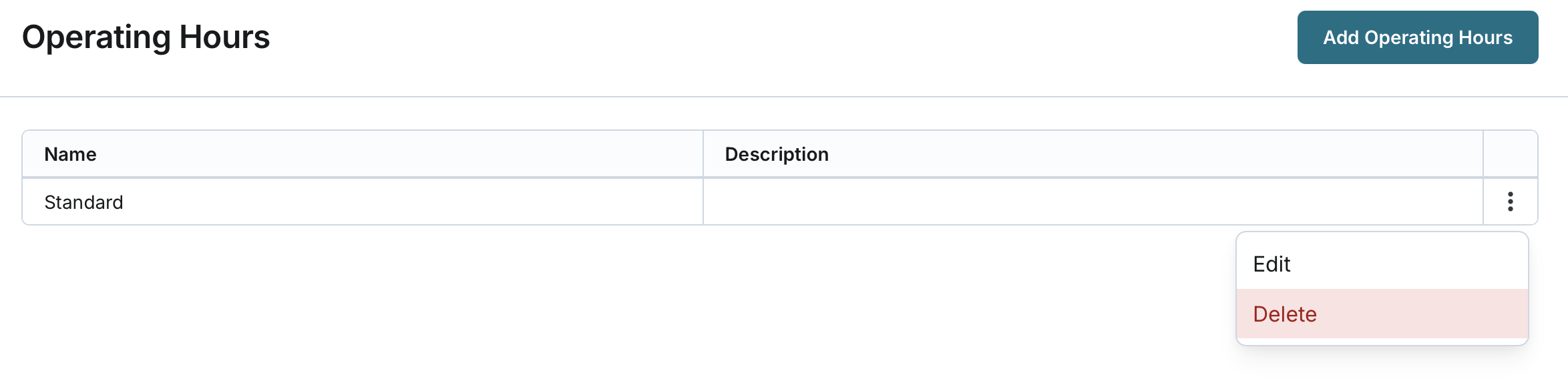
- From the Operating Hours List: Locate the operating hours in the list and click the action button to delete.
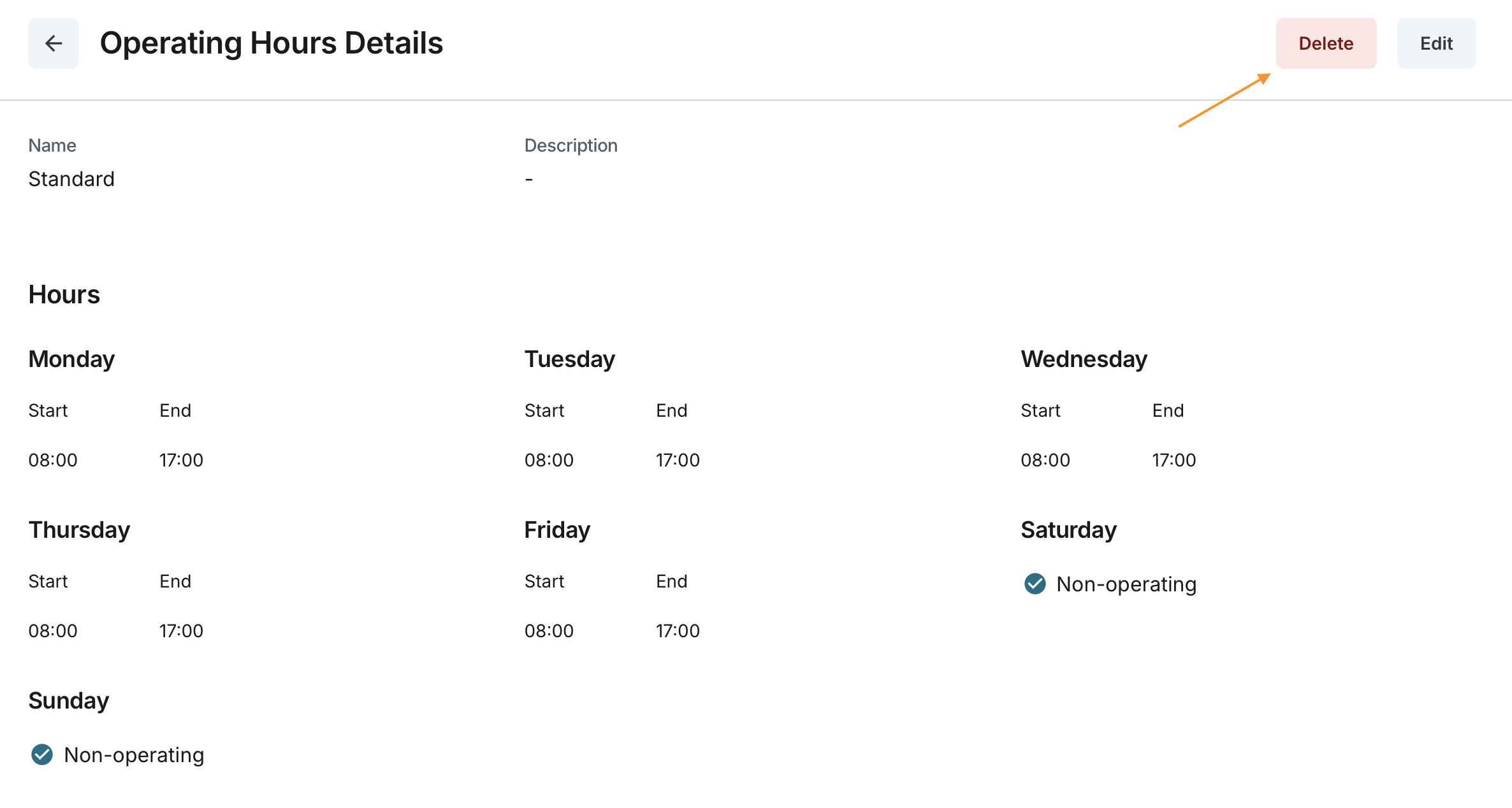
- From Operating Hours Details: Click on the operating hours name in the list to open its details page, then select the option to delete.
Deletion Confirmation:
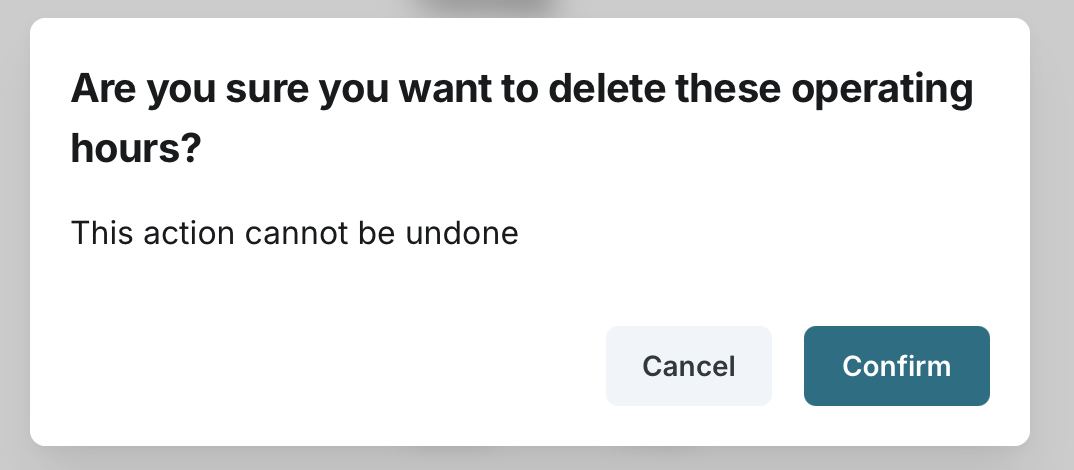
The system will display a confirmation prompt.
The user must confirm the action by clicking Confirm to proceed or Cancel to abort the deletion.
The operating hours record is permanently removed from the system.
The Operating Hours list is refreshed to reflect the removal.