Deleting a Driver Key
Updated:
The Deleting a Driver Key page allows you to permanently remove a driver key from your company.
Deleting a Driver Key
To delete a driver key:
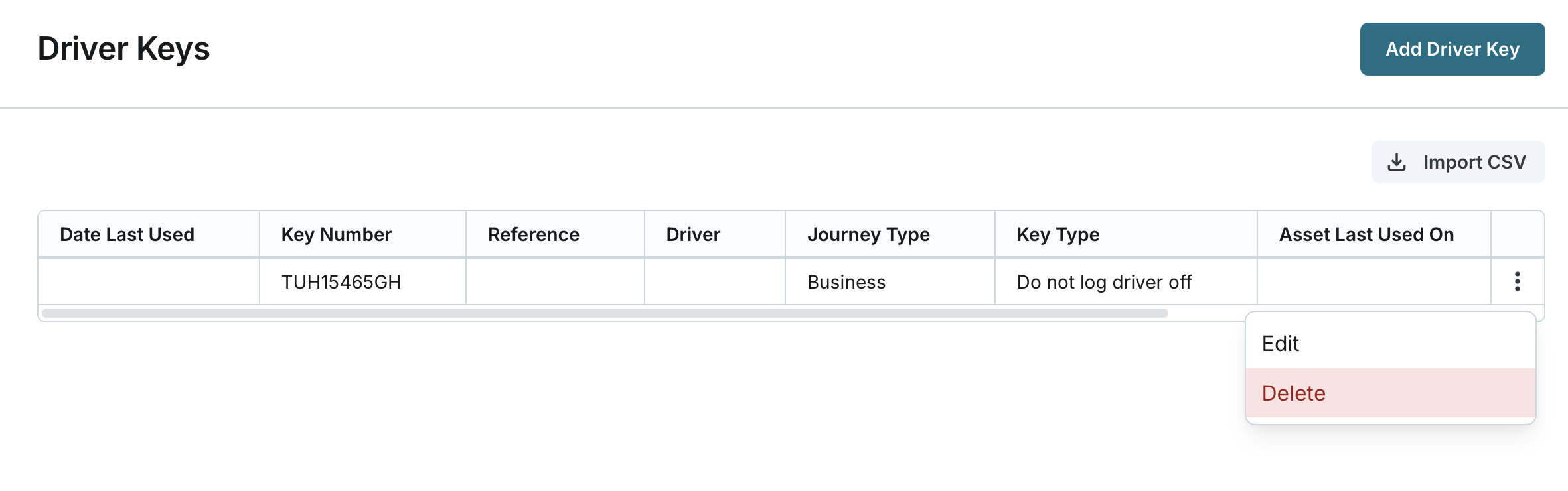
- Navigate to the Driver Keys page from the main menu.
- Find the driver key you wish to delete in the list of driver keys.
- Click on the Delete button associated with the driver key.
Confirm Deletion:
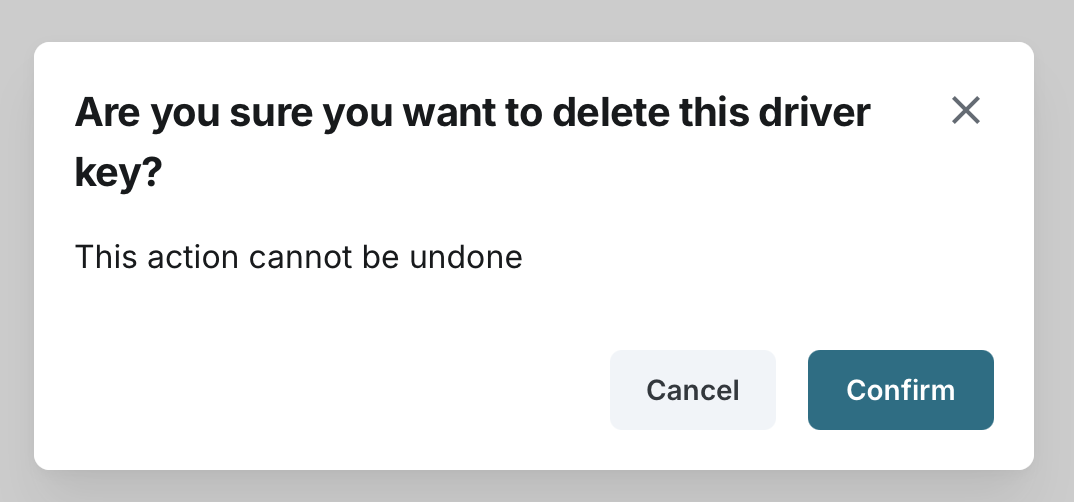
- A confirmation prompt will appear asking you to confirm the deletion.
- Confirm the deletion.
- Please ensure that the driver key is no longer needed or associated with any assets before deleting it.