
Auto-Creating Driver Keys and Driver Profiles & Determining the Active Driver
How the Active Driver is Shown
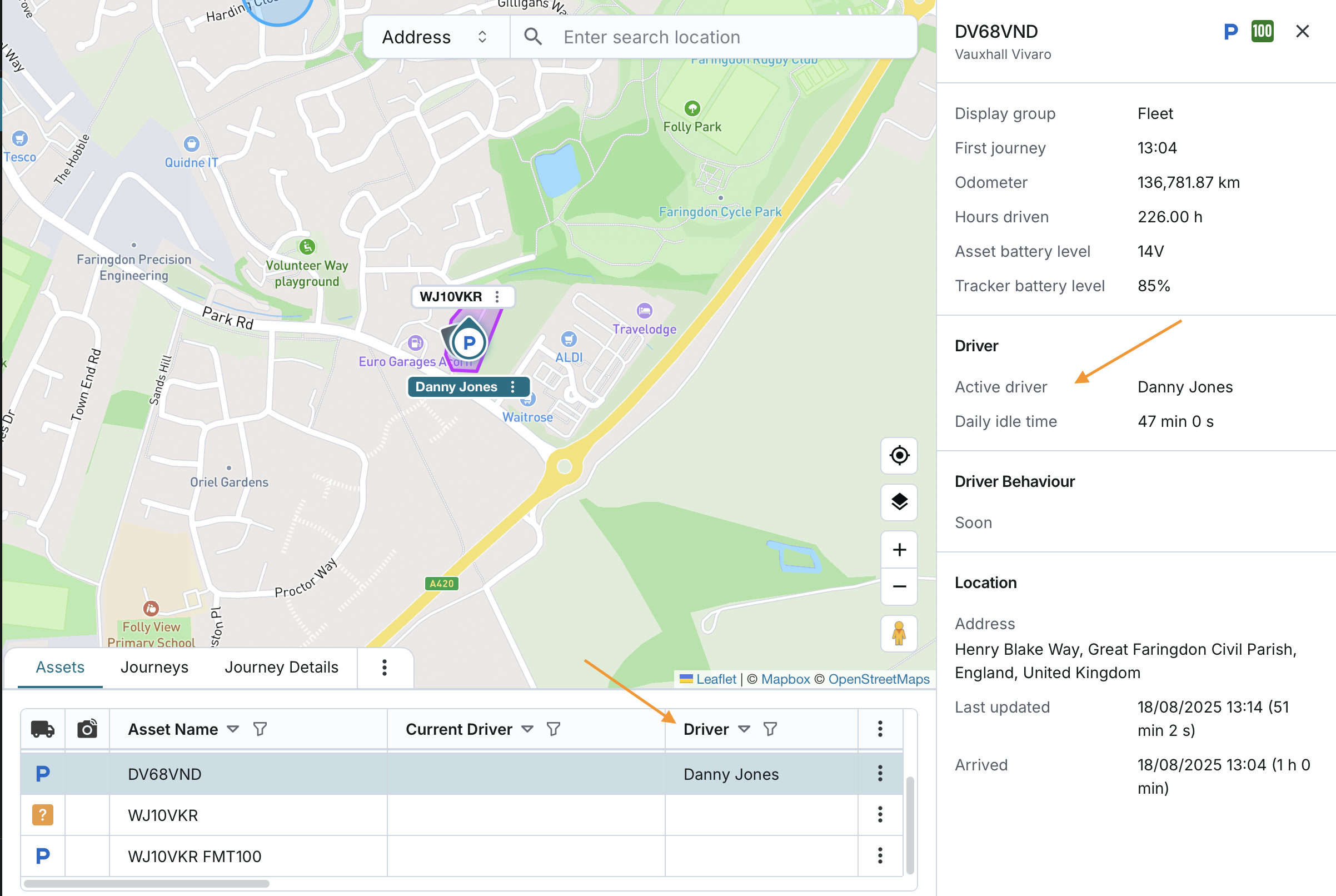
On the Fleet page (“Assets” tab), you see the current active driver for each asset.
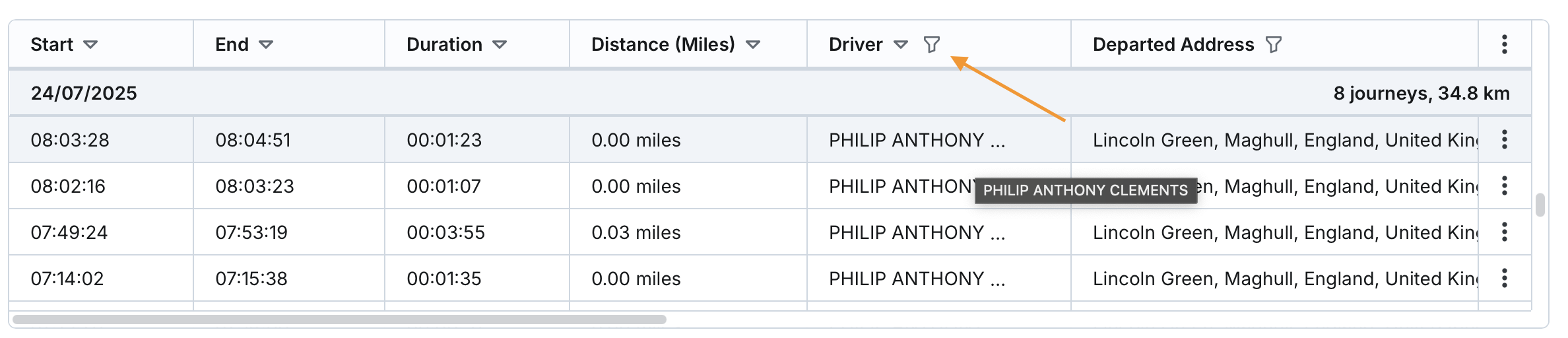
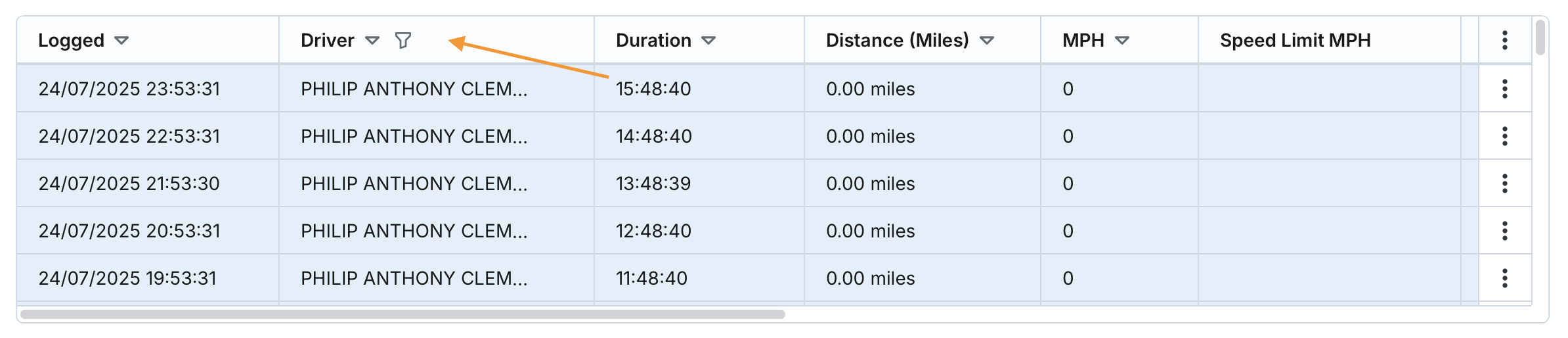
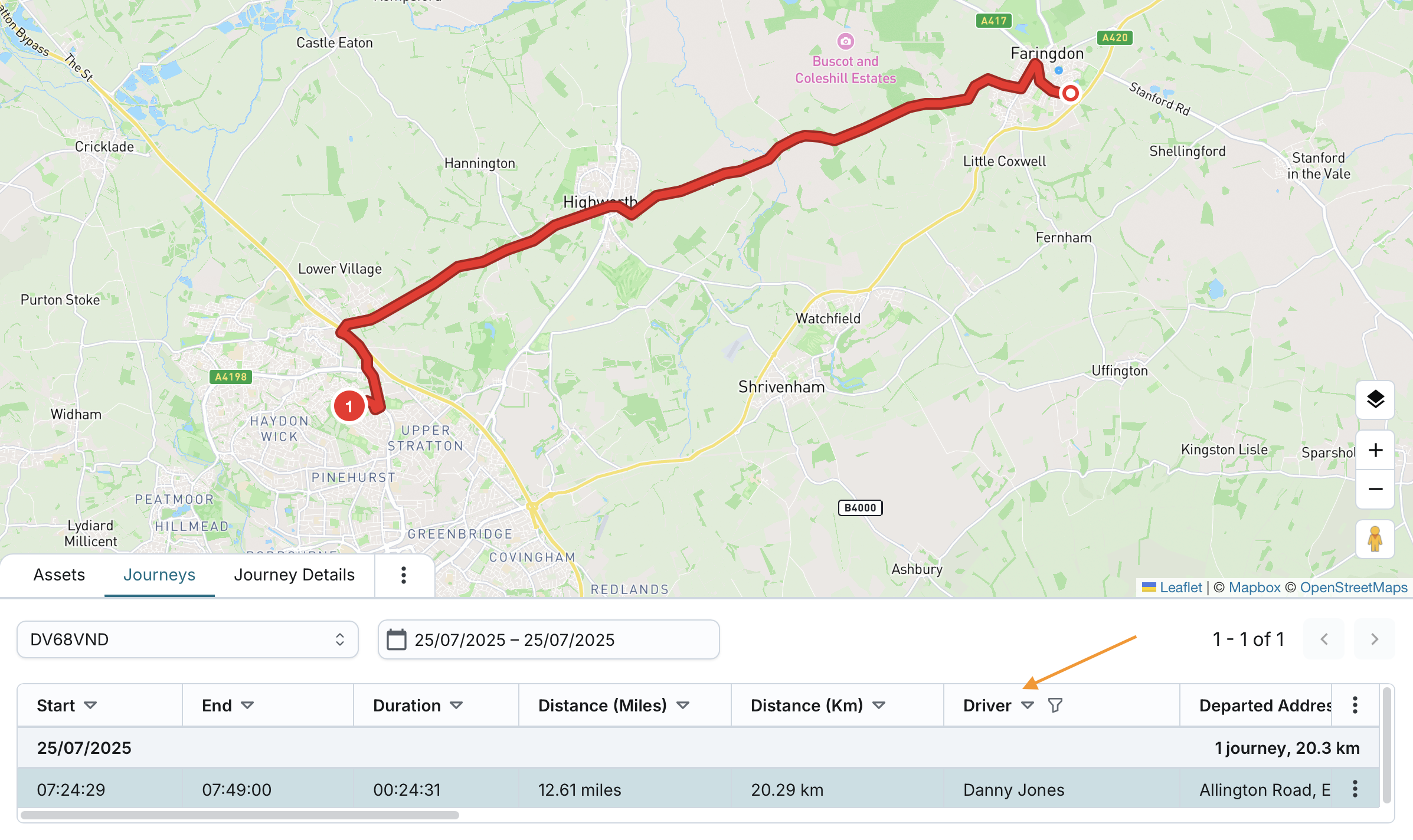
In Journeys and Journey Details, the system records the active driver at the time the journey took place. Once the journey is saved, its driver information becomes part of the journey’s history and will not change, even if the driver later changes.
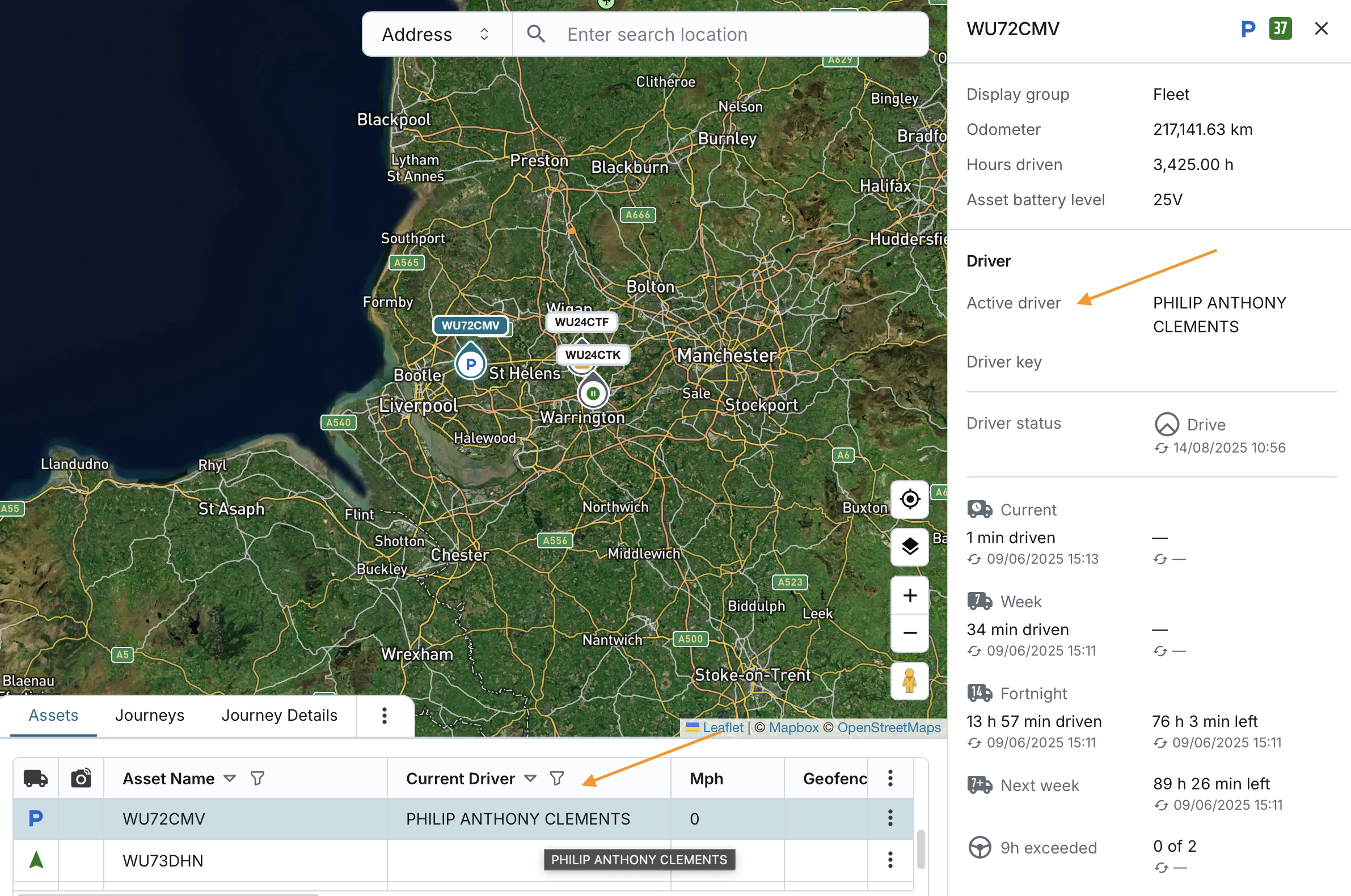
The active driver information is taken from the driver key used with the asset.
At your company:
- A driver key may or may not have a driver assigned to it at the key level.
- If the key has a driver assigned, that driver will be shown.
- If the key has no driver assigned, the driver field will remain blank.
- The driver remains associated with the asset based on the key’s Key Type setting:
- Log driver off – driver is removed when ignition is switched off.
- Do not log driver off – driver stays assigned until another driver signs in to the same asset or the original driver signs in to a different asset.
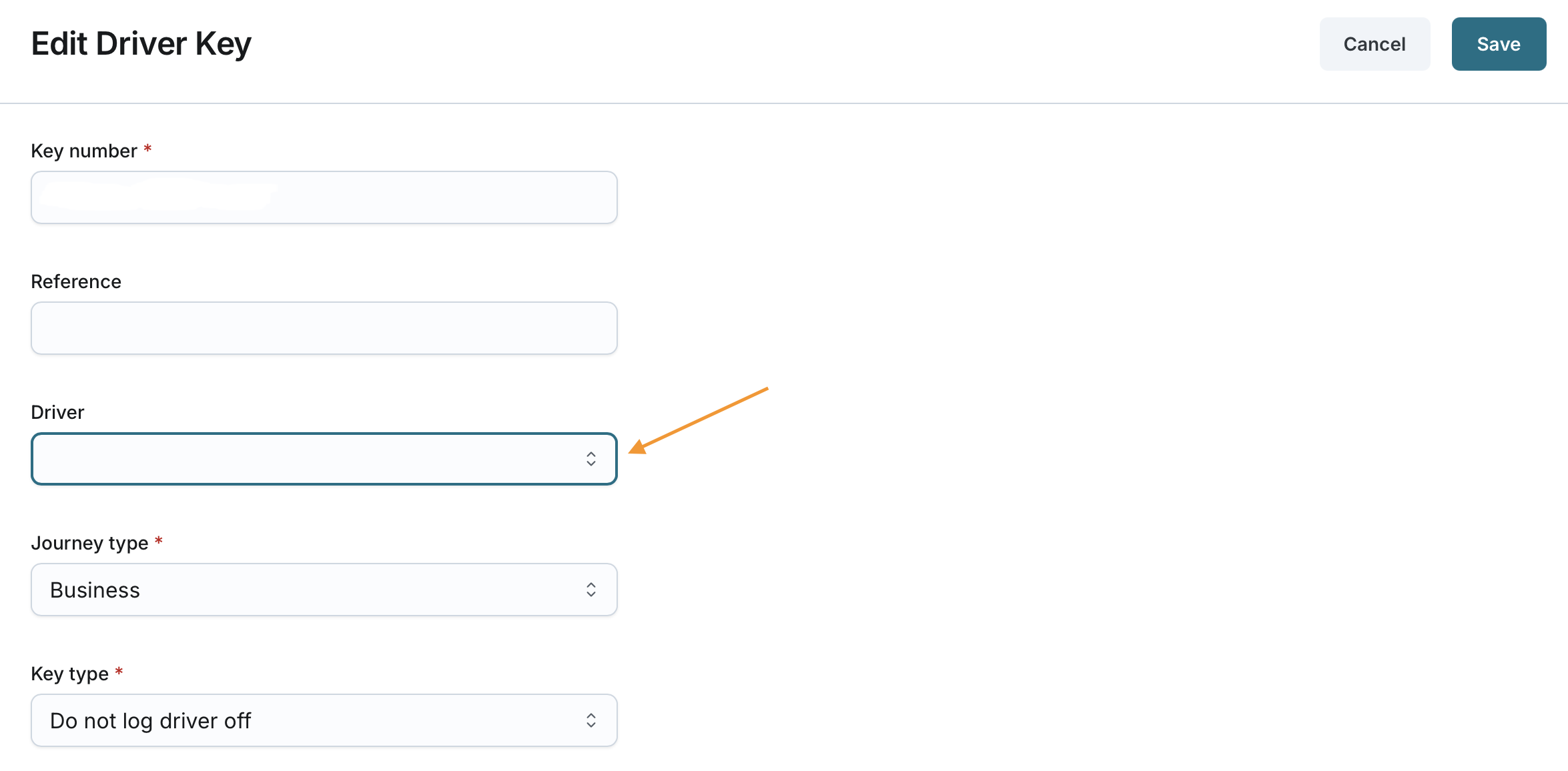
- You can modify the driver key at any time and assign or re-assign one of the drivers from your company directly at the key level.
When No Driver Key Is Reported
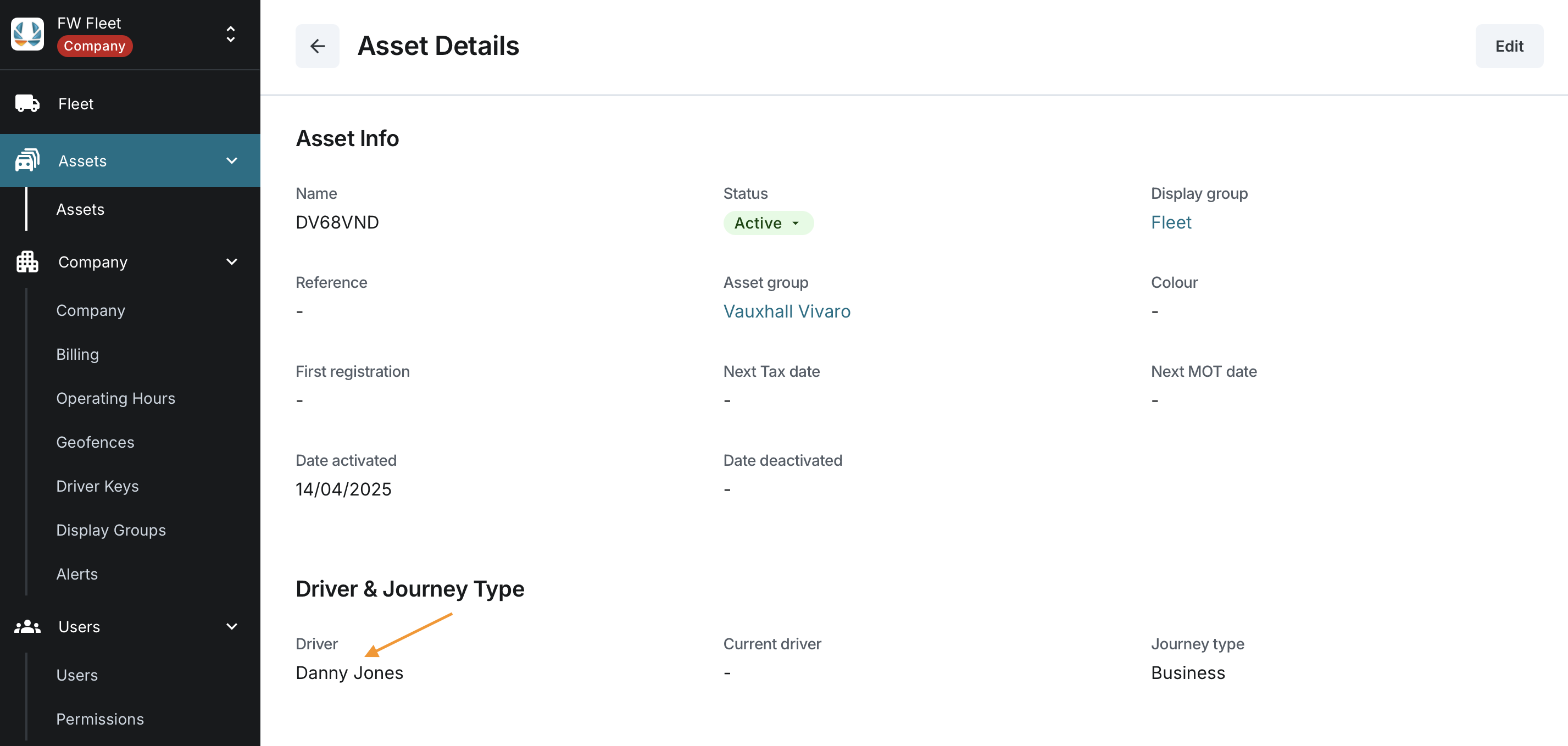
If the tracker does not communicate a driver key, you can still make sure a driver is shown by assigning a driver directly at the asset level.
In this case, the system will assume and assign that driver to the asset and its journeys. This driver will then appear consistently across the application:
- Fleet page (Assets tab)
- In the horizontal table view → shown in the Driver column
- In the vertical list layout and mobile app → shown under Active Driver
- Asset details panel → shown under Active Driver
- Fleet page (Journeys and Journey Details tabs) → recorded as the driver for the journey
This provides a simple fallback when no driver key data is available.

When Driver Keys Are Auto-Created
If a tracker on one of your assets reports a driver key that does not yet exist at your company, the system will automatically create that key with:
- Key Number – from the tracker
- Journey Type – Business
- Key Type – Do not log driver off
Whenever a driver key is auto-created, the system records:
- Date Last Used
- Asset Last Used On
You can view this information on the Driver Keys page at your company.

When Drivers Are Auto-Created (FMx6xx trackers only)
If your FMx6xx tracker reports both a new driver key and driver details at the same time, the system will:
- Auto-create the driver key as above
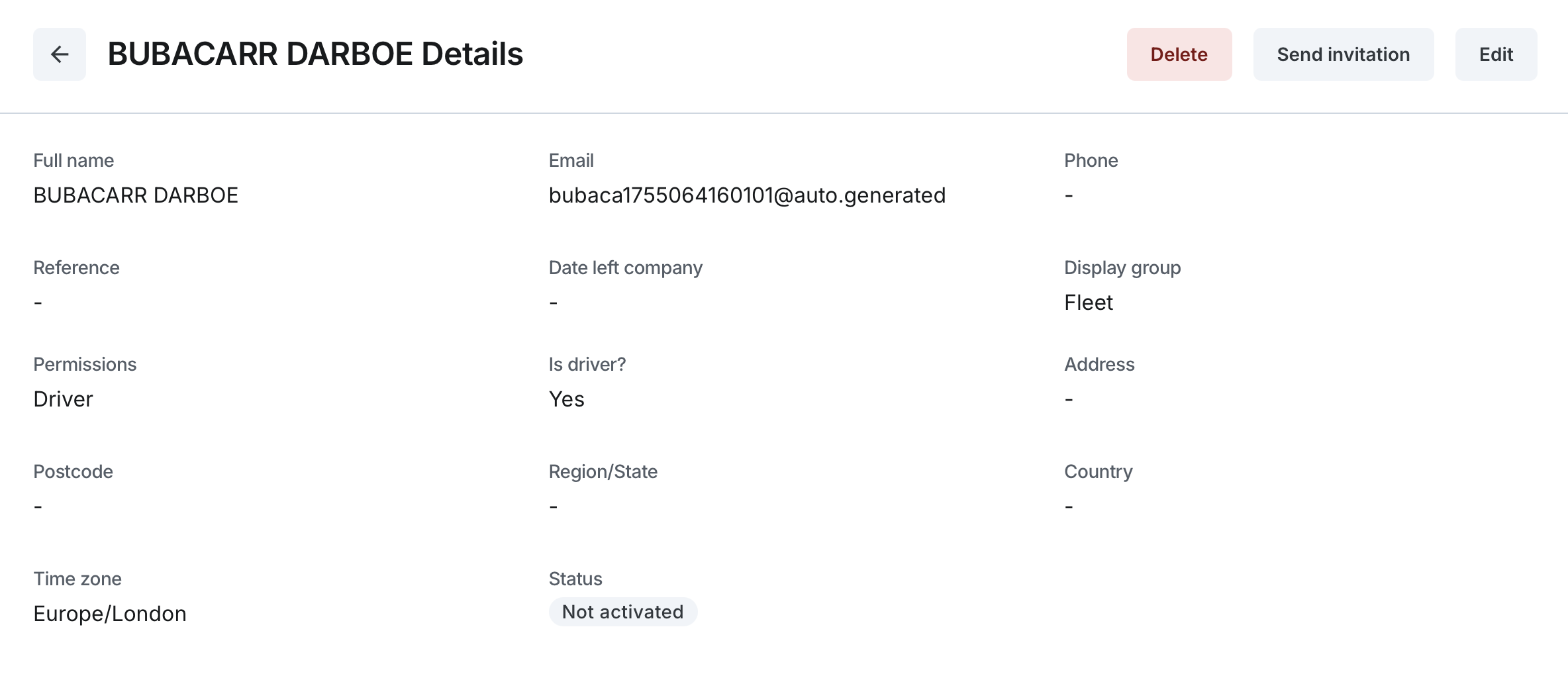
- Auto-create a driver profile with:
- Full name – from the tracker
- Email – a unique email generated by the system
- Display group – the same as the asset’s display group
- Limit visible assets – Off
- Permissions – Driver (default)
- Is driver? – Yes
- Time zone – Europe/London
- Link the new driver key to the new driver profile
If the driver key already exists (auto-created or manually created) and has no driver assigned, and the tracker reports both the key and driver data at the same time, the system will auto-create the driver and link it to that existing key.
If either the key or the driver profile cannot be created, the system will create neither.

Rules for Using Tracker-Reported Driver Data
To keep driver information accurate, the system follows these rules:
- Auto-create a key when key data is first reported – even if no driver data is provided.
- Auto-create a driver only when key and driver are reported together – and the key has no driver linked yet.
- Ignore driver data reported without a key – no driver will be created.
- Ignore driver updates for an existing key-driver pair – the system will keep the current driver assigned to that key and will not overwrite it.
