
Viewing the List of Display Groups
Updated:
The Display Groups page allows you to view and manage all display groups available in the company. Display groups help organise assets and users for better management and reporting.
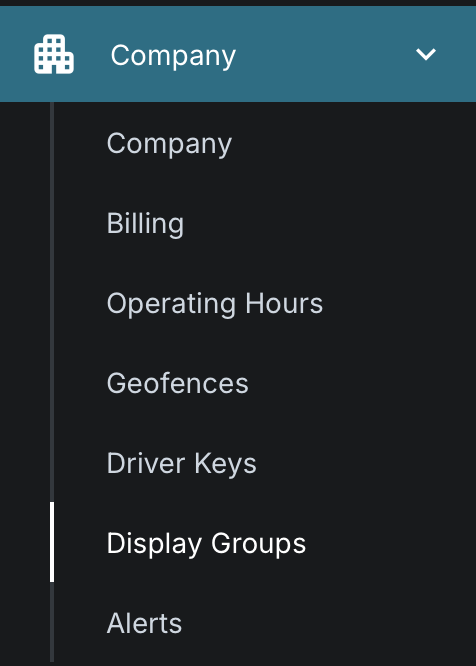
Access Display Groups:
- Navigate to the Display Groups page.
- The system will present a list of all configured display groups.

Review the List:
- By default, display groups are sorted by Name.
- Each display group in the list provides the following details:
- Name: The name assigned to the display group.
- Operating Hours: The configured operating hours associated with the group.
- User Count: The total number of users assigned to the group, regardless of their status.
- Asset Count: The total number of assets assigned to the group, regardless of their status.
