
Creating a New Display Group
Updated:
The Create Display Group feature allows users to add new display groups within the company.
Access Display Groups:
- Navigate to the Display Groups section of the application.
- Click the Add Display Group button.

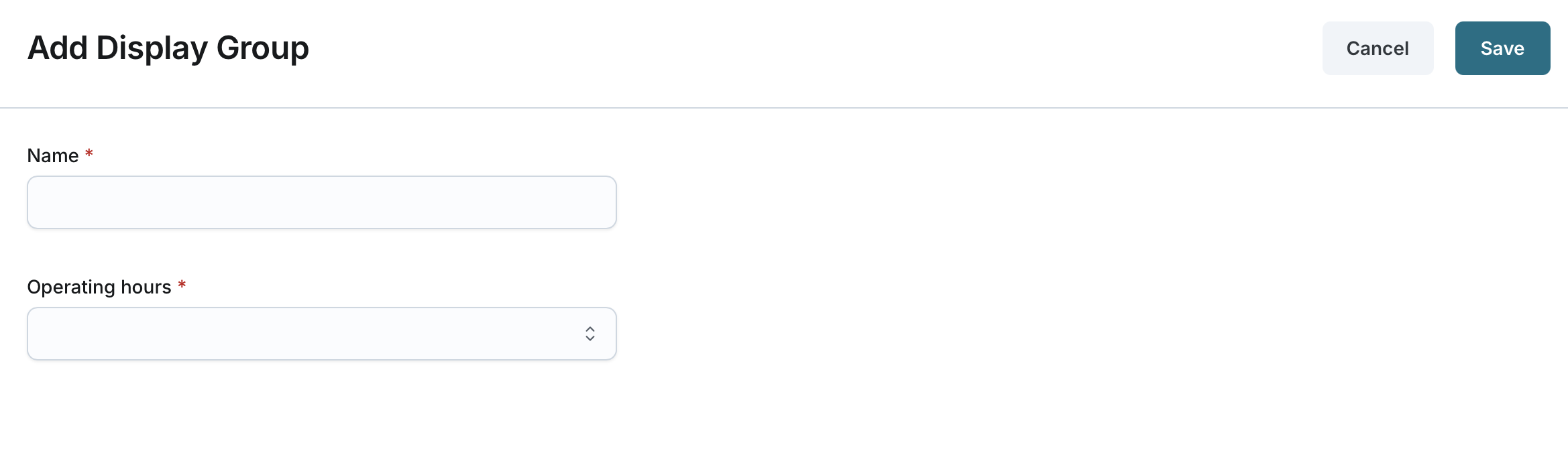
Enter Display Group Information:
- Name (Required): Enter a unique name for the display group (2-50 characters).
- Operating Hours (Required): Select from the list of operating hours configured at the company level.
Save the Display Group:
- Click Save to create the display group.
- The newly created display group will be added under the company.
- The user who created the group will be automatically added to it.
- The user can further manage the group by assigning additional users or assets as needed.
