
Editing a Display Group
Updated:
The Editing a Display Group page allows users to modify the configuration of an existing display group, including its name and operating hours.
Access Display Groups:
- Navigate to the Display Groups section of the application.
Select a Display Group
You can edit a display group from two locations:
- From the Display Group List: Locate the group in the list and click the action button to edit.
- From Display Group Details: Click on the group name in the list to open its details page, then select the option to edit.
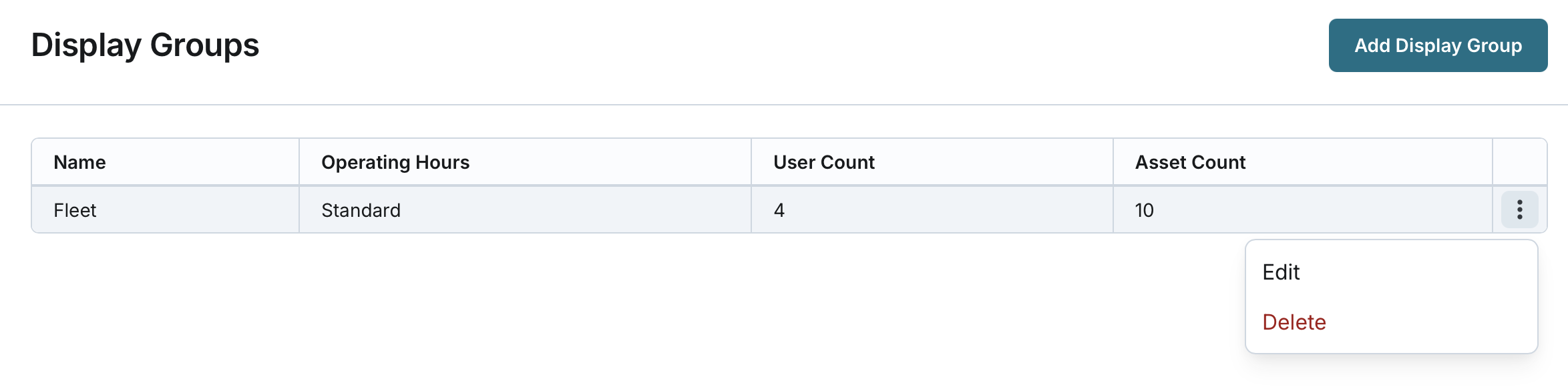

Modify Display Group Information:
- Name: Update the name of the display group (must remain unique, 2-50 characters).
- Operating Hours: Select new operating hours from the list of company-defined options.
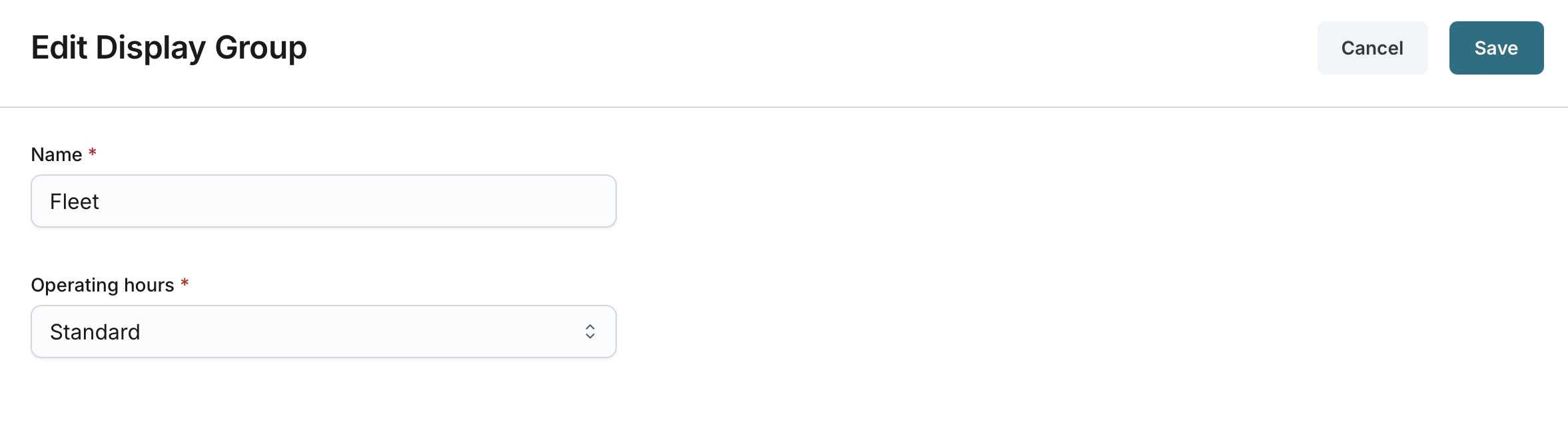
Save Changes:
- Click Save to apply the updates.
- The system updates the display group information at the asset and user level it relates to (if any).
