Deleting a Configured Alert
Updated:
You can delete a configured alert to permanently remove it from the system.
Access Alerts
- Open the Alerts Page from the application menu.
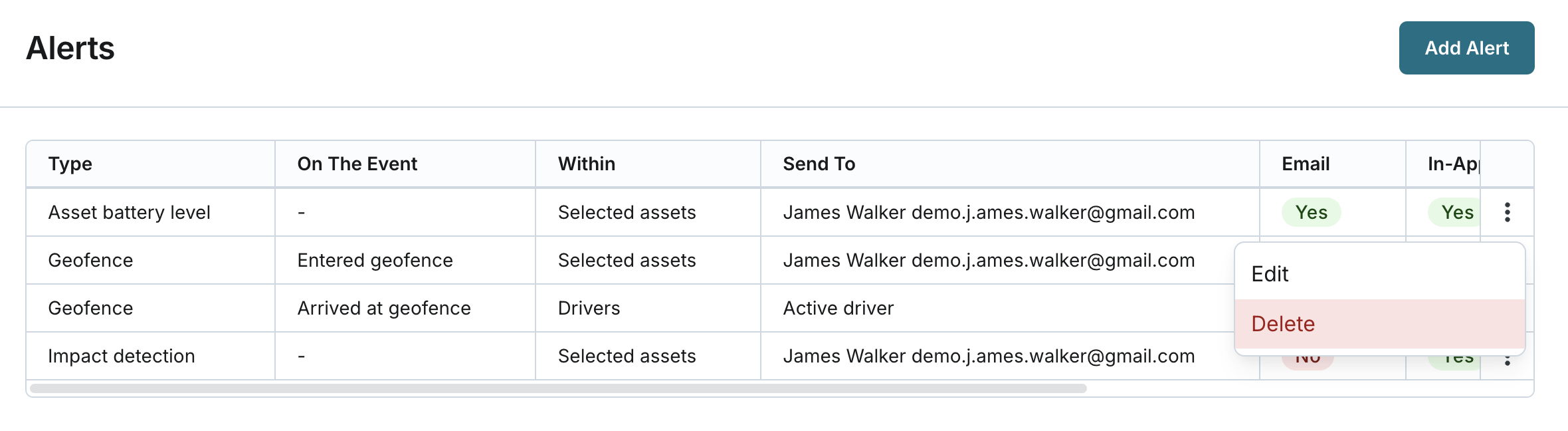
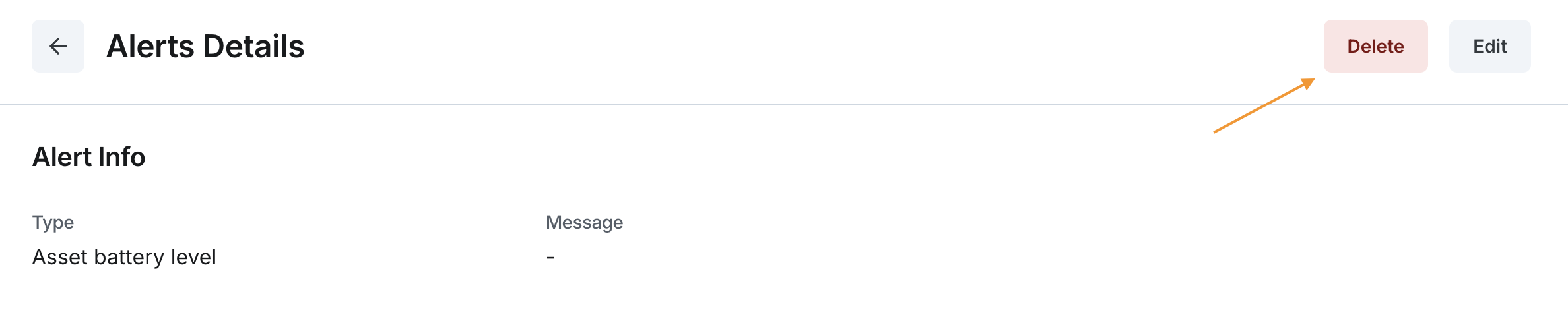
- Locate the alert you want to delete from the list of configured alerts or open the alert details page.
- Click the Delete button to initiate the deletion process.
Confirm Deletion
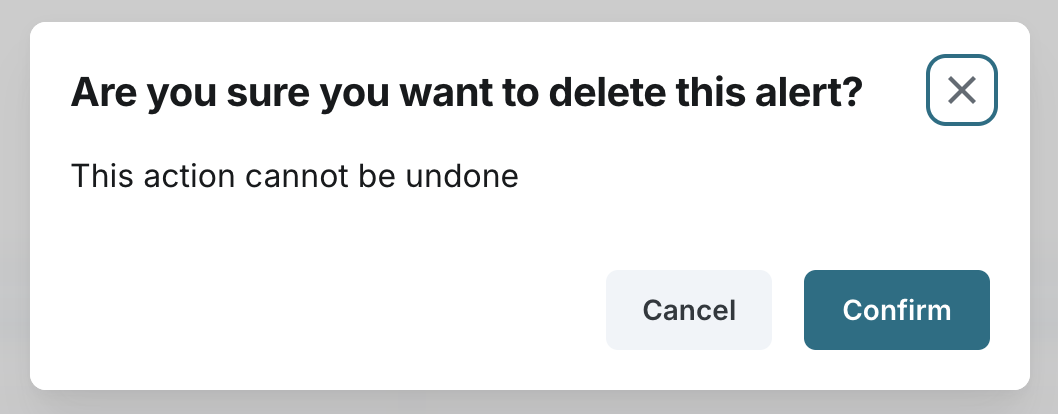
- A confirmation message will appear to ensure you want to delete the alert.
- Click Confirm to permanently delete the alert, or click Cancel to retain the alert.
- Once deleted, the alert cannot be recovered.
- After deleting an alert, the system will display a success message, and the alert will be removed from the list of configured alerts.