Viewing the List of Users
Updated:
Follow these steps to access and review the list of users in the application:
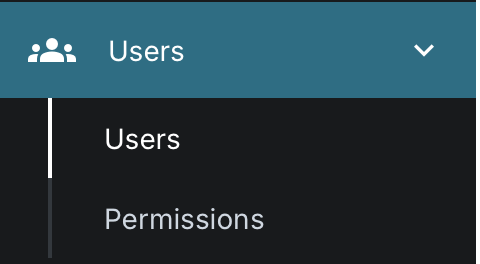
Access User Management
- Navigate to the Users section of the application.
View the User List
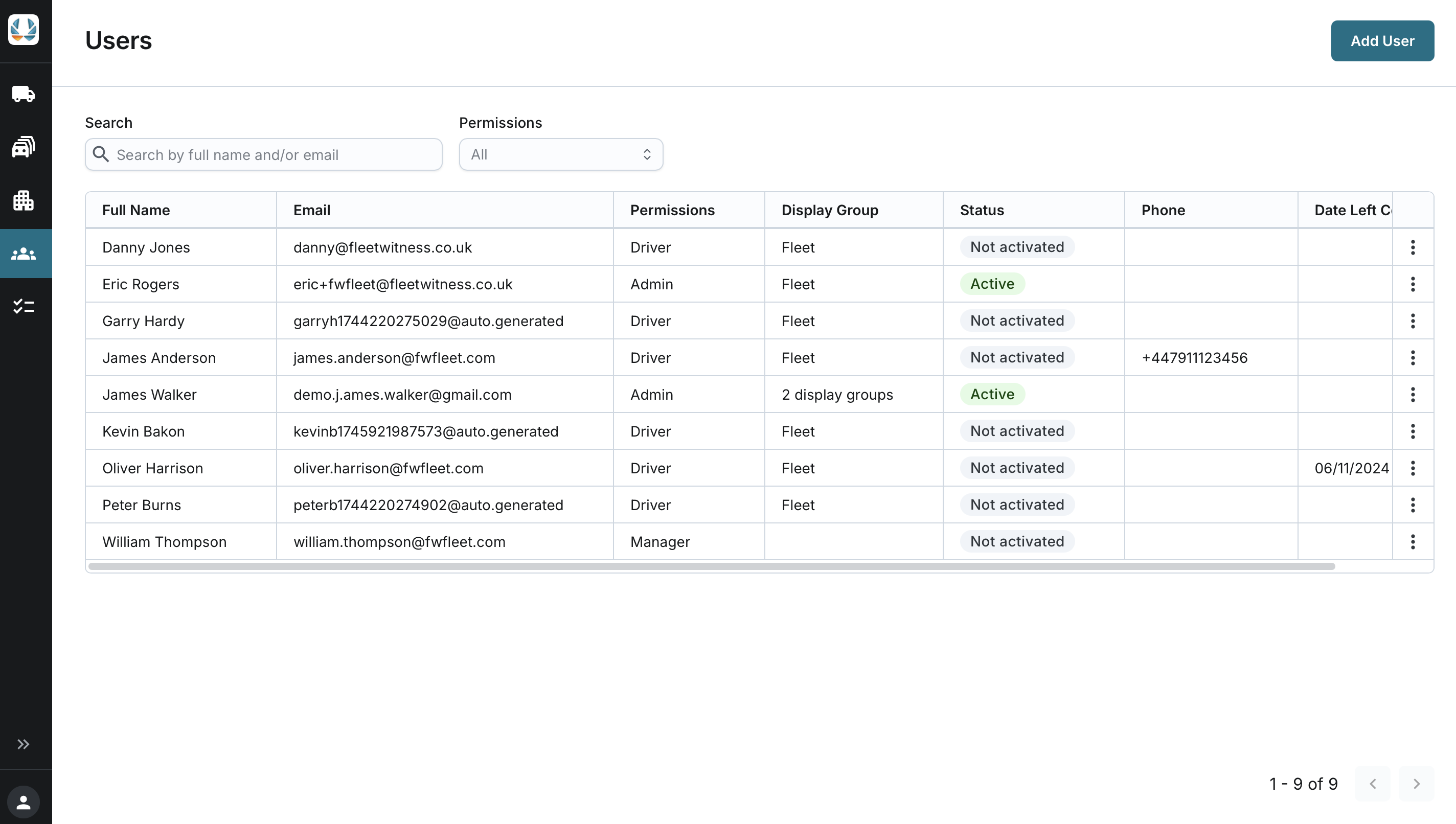
The list of users is displayed automatically, sorted alphabetically by Full Name.
Each user entry includes the following details:
- Name: Full name of the user.
- Email: User's registered email address.
- Permissions: Access level assigned to the user.
- Display Group: The display group assigned to the user. This field is blank if the user is limited by visible assets rather than by a display group.
- Status: Current status of the user:
- Not Activated: Added to the system but not yet invited to the application.
- Pending: Invitation sent but not yet accepted.
- Active: User has set up a permanent password.
- Blocked: User has been blocked by an administrator.
- Phone: User's contact phone number.
- Date Left Company: The date the user left the company (if applicable).
Navigate Through the List:
- The user list is paginated, displaying 30 users per page.
- Use the navigation controls at the bottom of the list to move between pages.
Searching and Filtering Users
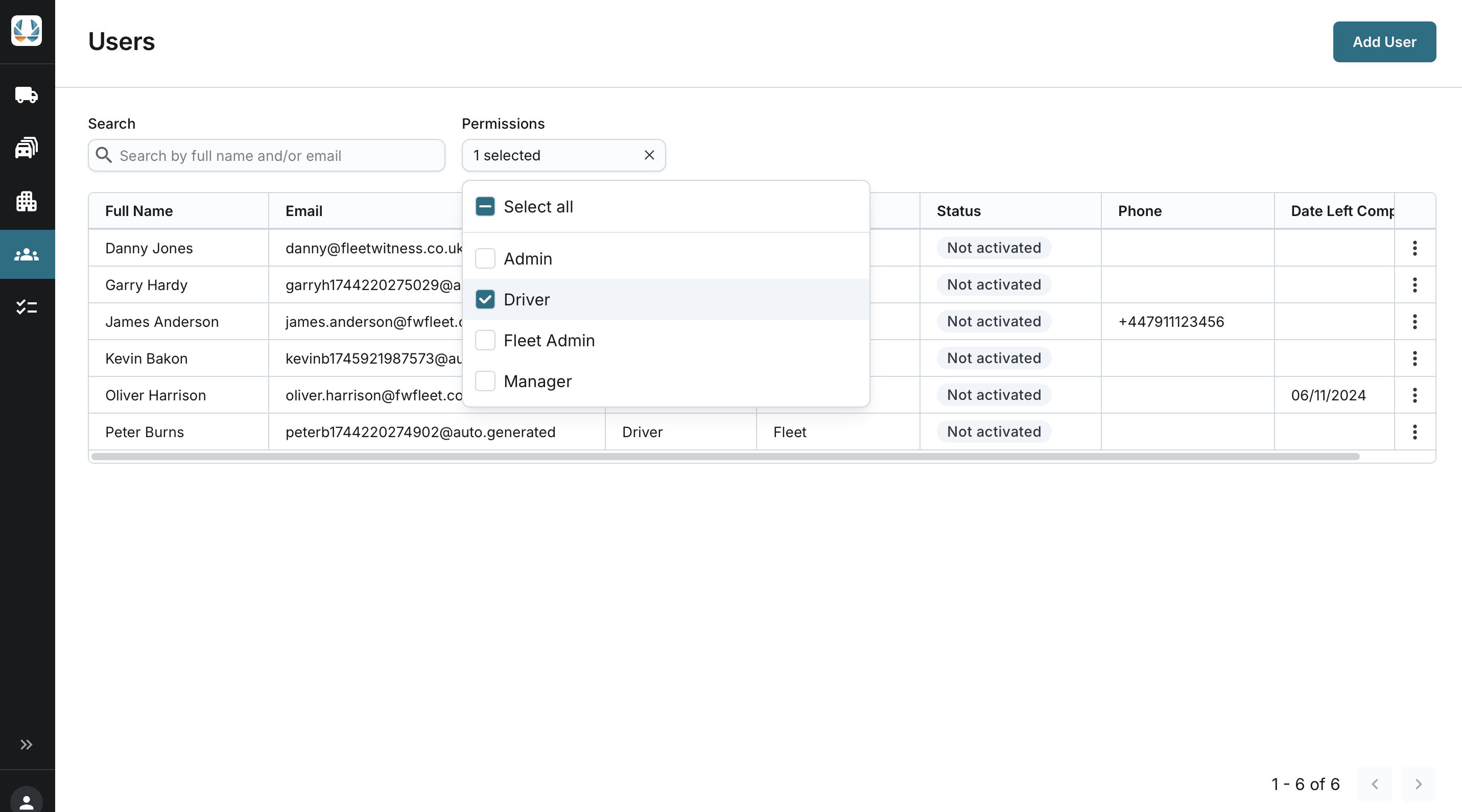
You can search the list of users by:
- Full Name
You can filter the asset list by:
- Permissions
- All
- Alphabetically listed permission groups from your company
- Filter is multiselect. You can select or unselect all or specific options in the list.