Sending and Resending Invitations
Updated:
Follow these steps to send or resend a welcome email to users in the application:
Access Users
- Navigate to the Users section of the application.
Select a User
You can send or resend an invitation from two locations:
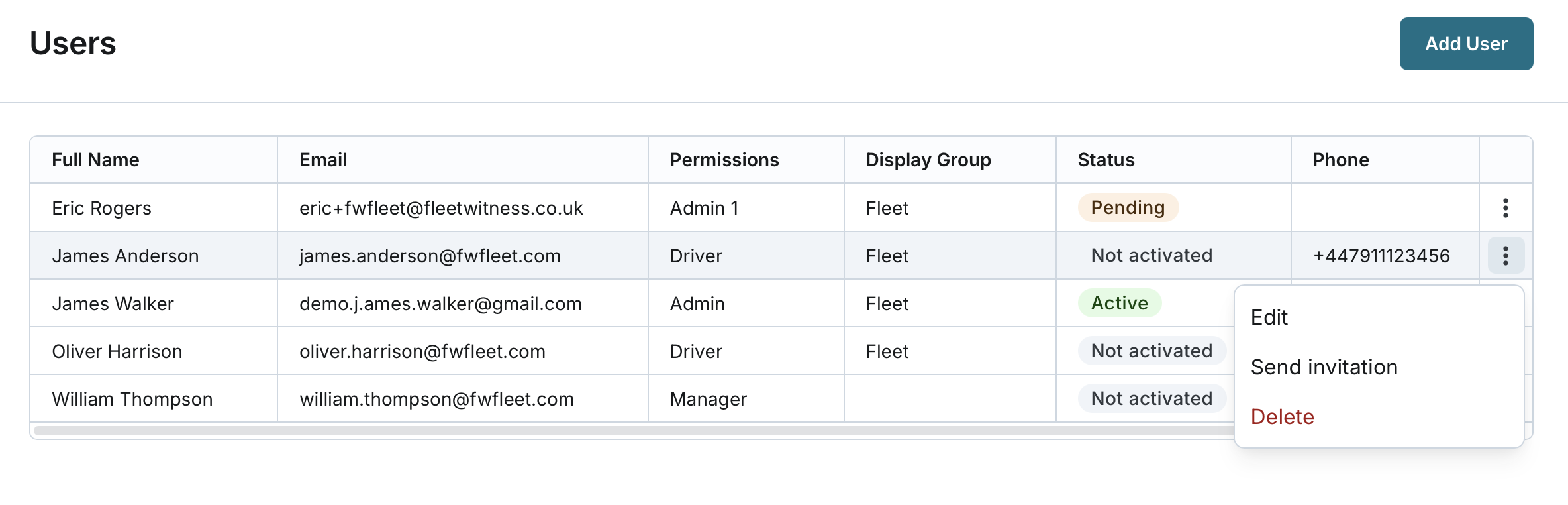
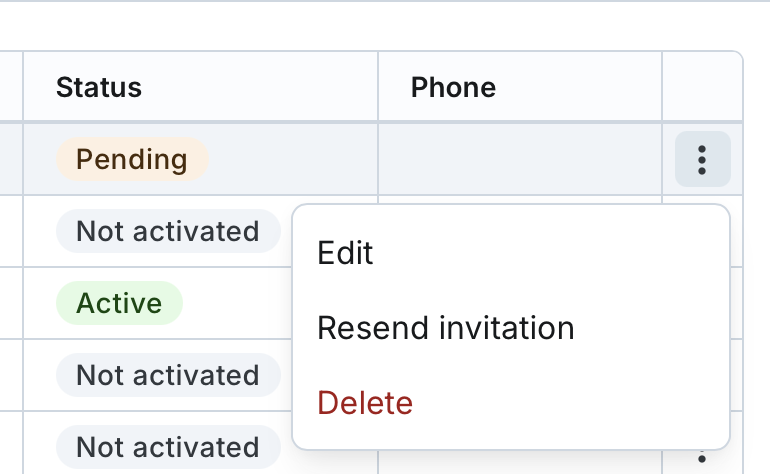
- From the User List: Locate the user in the list and click the action button to send or resend the invitation.
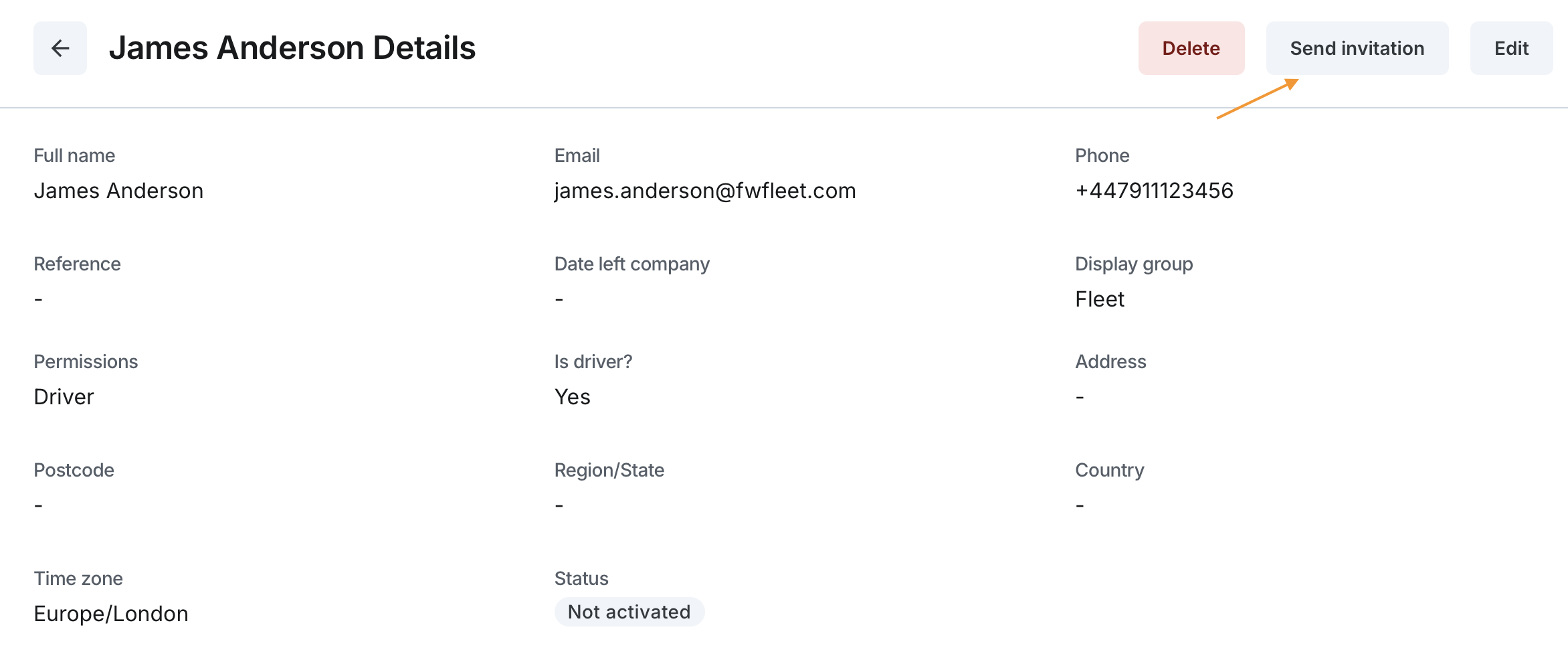
- From User Details: Click on the user's name in the list to open their details page, then select the option to send or resend the invitation
Confirm the Action
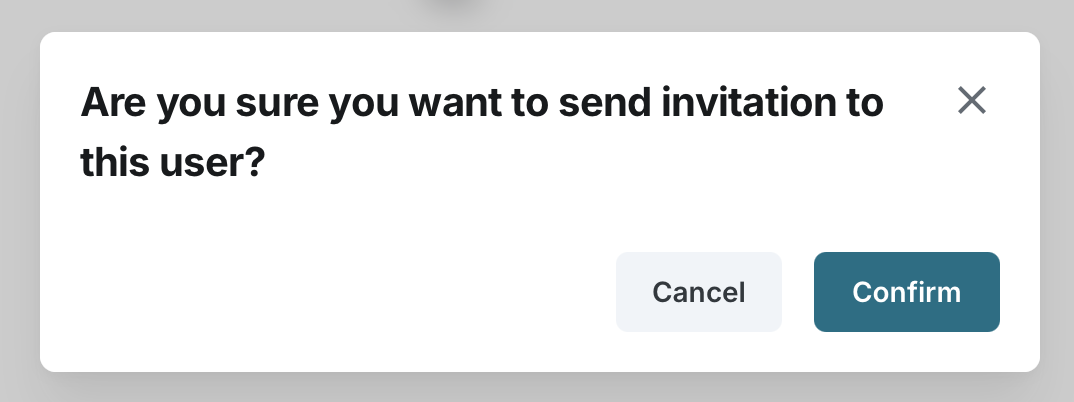
- A confirmation prompt will appear. Confirm that you want to send or resend the invitation.
- If the invitation is sent successfully, the user's status is updated to Pending.
- The user will receive a welcome email with instructions to set up their permanent password and complete sign-up.
- If the invitation is resent, any previous welcome email links and temporary passwords are invalidated.
- The user needs to follow the instructions in the email to gain access to the application.